Scrapped Gauges in an Access Migration: Migrate or Archive?
Leaving retired instruments in the old .accdb looks tidy, until a complaint reaches a gauge you scrapped two years ago. How to scope them.
Do Scrapped Gauges Come Too? Migration Scope for Retired Instruments
The scoping meeting usually goes like this. Someone opens the Access calibration database, filters the equipment table, and finds 1,400 rows. Only 620 are active. The rest are marked "Scrapped", "Lost", "Retired", "Out of service", or left blank, because nobody ever agreed on a status list. Someone then says it out loud: "Why would we migrate 800 dead gauges? Let’s take the live ones and archive the old file."
It sounds like the responsible answer. It means less cleansing, less mapping and a smaller validation set, and the new system starts clean. I have proposed exactly that on a migration I led, and I was wrong. This article explains why, and how to scope retired and scrapped instruments so the new system can answer the questions those instruments will still be asked.
A retired instrument still has open questions
Taking an instrument out of service ends its calibration schedule. Its history stays relevant. The most important record a scrapped gauge carries is usually the last one: the calibration where it was found unfit.
ISO 9001 clause 7.1.5.2 is explicit about this. When measuring equipment is found unfit for its intended purpose, the organization has to determine whether the validity of previous measurement results was adversely affected and take appropriate action. IATF 16949 goes further in 7.1.5.2.1. Calibration records must keep out-of-specification readings as received, an assessment of the risk to the intended use of the equipment, and evidence of notifying the customer if suspect product or material has shipped. AS9100 asks for the same impact assessment. ISO/IEC 17025 expects the equipment record to include the calibration history and any damage, malfunction or modification.
None of those requirements expire when the gauge goes in the scrap bin. They are the reason it went there, and that record is the evidence you will need to produce later.
A worked example: the torque wrench scrapped in March
Here is a pattern I have seen more than once.
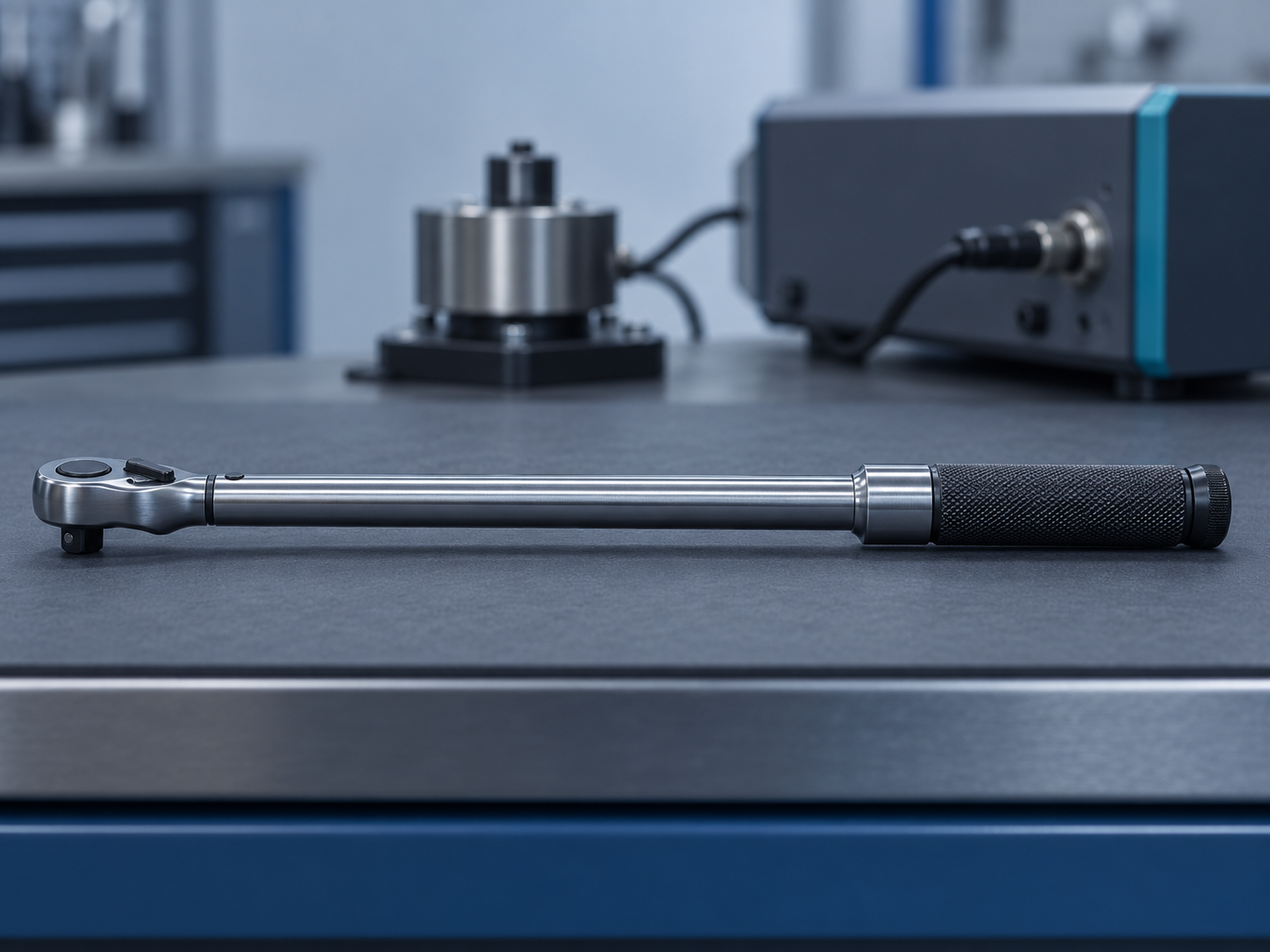
A click torque wrench, asset TW-014, fails its scheduled calibration in March. The as-found result is about 8% low across the range. That is well outside tolerance, and the wrench is beyond economic repair. The technician records the as-found result in Access, attaches the lab certificate, and sets the status to "Scrapped". The quality engineer runs the 7.1.5.2 assessment, decides the joints torqued since the last passing calibration are low risk, and documents it in a Long Text remarks field.
Eighteen months later the plant has migrated, carrying only active instruments. A customer raises a field complaint about loosened fasteners on assemblies built in the second half of the previous year, and the 8D asks which tools torqued those joints. Answering it means reconstructing:
- which wrenches were checked out to that cell during the window, and to whom
- the last passing calibration of each one, and its certificate
- the as-found result that retired TW-014, and the impact assessment written at the time
The new system cannot see TW-014 at all. The answer sits in an archived .accdb on a share. Opening it needs a PC with a compatible Access runtime, and someone who knows which of the four status values means "this is the one that failed". The check-out history may not exist anywhere at all, if it lived on a crib clipboard.
That is the legacy problem you meant to leave behind. It now surfaces during a customer escalation, when you have the least time to deal with it.
The ID collision nobody plans for
A second, quieter reason to migrate retired instruments: in many Access databases, identifiers get reused. When TW-014 was scrapped, its replacement may have inherited the tag "TW-014" because the label printer template was already set up. In Access, both rows can coexist, or worse, the new wrench’s records may have been entered against the old row.
If you migrate only active instruments, the history of two physically different wrenches merges under one identity in the new system. An auditor following traceability from a certificate back to a serial number will find a gap you cannot explain. Including retired instruments in scope forces you to find these collisions during data cleansing, while the person who knows the story still works there.
The fair objection: "That’s 800 records of cleansing for nothing"
The objection is reasonable, and it deserves a real answer rather than "migrate everything".
Retired records really are messier. Status values are inconsistent, older rows predate fields you added later, and certificates for instruments scrapped a decade ago may be embedded attachments. Those attachments are often what pushed the file toward the 2 GB ceiling Access imposes, with performance commonly degrading from around 1.5 GB. Migrating all of it at full fidelity can double the effort.
The answer is not all or nothing. Scope retired instruments in tiers, and let your own retention rules set the boundary:
Tier 1 — Migrate in full
These are instruments retired within your product-liability or customer-complaint window, plus any instrument whose final calibration was a fail. Bring the identity (asset number, serial, type, location), every calibration event with as-found and as-left values, the certificates, the impact assessment, and the disposition with its date. These are the records a 7.1.5.2 assessment or an 8D will reach for.
Tier 2 — Migrate the skeleton
These are instruments retired inside your retention period but outside the active complaint window, which retired with a passing final calibration. Bring the identity, the calibration dates and results, and links to the certificates. Skip low-value fields such as old cost centres and free-text comments that duplicate structured data.
Tier 3 — Archive, deliberately
These records are beyond your retention period. Do not leave them in a live .accdb. Export them to a read-only, documented format: PDF reports per instrument plus a CSV with a data dictionary. Record where they are, and who approved the archive, in your migration plan. Your retention procedure decides when they can go. The migration does not.
A rule that helps: the tier is decided by the risk the record still carries, not by how old the row looks. A gauge scrapped six years ago that failed its last calibration on a safety-critical characteristic belongs in Tier 1.
What the new system should do with retired instruments
Retired instruments must stay out of the active schedule. They should never show as overdue, never appear on a department manager’s due list, and never be available for check-out. They must still be searchable by asset number and serial, with their calibration history and certificates intact.
In PrüfDesk, each instrument carries its pass/fail calibration records, as-found/as-left logging, attached certificates, and the full possession audit trail of check-outs and allocations. A migrated retired instrument therefore keeps the same evidence chain as a live one. How retirement is represented in your tenant is a mapping decision to settle and verify during the pilot load, not an assumption to make on cutover day. Test it with your own TW-014: migrate one failed, scrapped instrument end to end. Then confirm that its history, certificate and as-found values are retrievable and appear on an audit-ready PDF report, and that it stays off every due list.
Pre-migration checklist for retired instruments
- Normalise status values. Collapse "Scrapped / Lost / Retired / Out of service / blank" into a defined list, and decide what "Lost" means for the validity of results since the last calibration.
- Flag final-calibration failures. Every retired instrument whose last result was a fail goes to Tier 1, whatever its age.
- Find reused identifiers. Query for asset numbers attached to more than one serial number, or to calibration dates that overlap.
- Locate the impact assessments. Check whether they sit in a structured field, a Long Text remark, or a separate document, and map them explicitly so none are dropped as an unmapped column.
- Extract embedded certificates. Pull attachments out of the
.accdband relink them to the right calibration event. - Set the tier boundaries from your retention procedure. Write the boundaries into the migration plan, with an approver.
- Pilot one scrapped instrument end to end. Do this before bulk loading anything.
Close the old file properly
The goal of a migration is not a smaller dataset. It is a calibration program that can answer any question an auditor or customer asks, from one system, without a ritual involving an old PC and the one colleague who remembers the schema. Retired instruments are where that promise is most often quietly broken.
If you are scoping a move off Access and want to see how your own retired and scrapped instruments would map, start with a pilot load of a handful of them, including the awkward ones. PrüfDesk’s team is glad to walk through that mapping with you, at whatever pace your audit calendar allows.