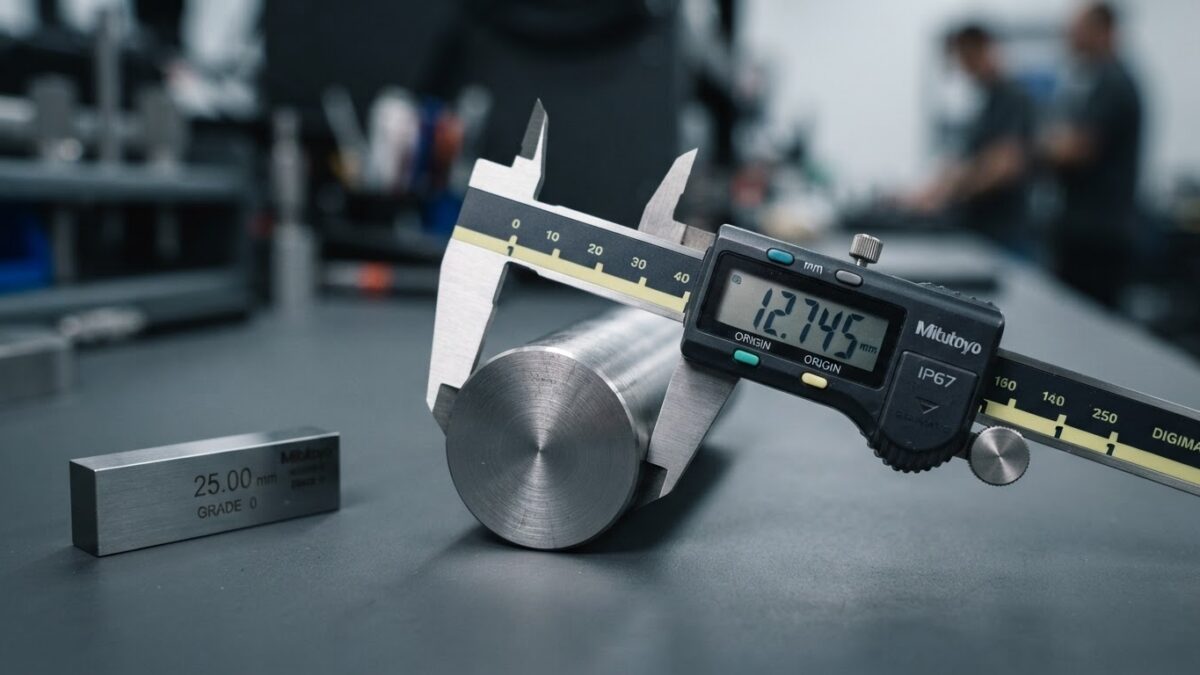
As-Found / As-Left: The Field Your Access DB Skipped
Your Access calibration DB logs pass/fail but not as-found/as-left. Here's why auditors ask for it, and how to migrate without losing history.
As-Found / As-Left: The Field Your Access DB Skipped
The auditor slides a calibration certificate across the table and asks one question: "This micrometer came back from the lab in March — was it in tolerance when it arrived, or did the lab adjust it?" You open your Access database. There’s a row for the instrument, a due date, a green Pass, and a link to the PDF. What there isn’t, anywhere in the schema, is the answer. The record says the calibration happened. It does not say what the calibration found.
That gap has a name in metrology: as-found and as-left. As-found is the instrument’s condition when it arrived for calibration, measured against tolerance before any adjustment. As-left is its condition when it went back into service, after adjustment. Most homegrown Access calibration databases capture neither. They were built to answer "is it due?" — not "was it drifting, and by how much?" And that second question is the one that decides whether a finding becomes a corrective action or a full-blown product recall.
Why the Access DB never had the field
It’s worth being fair to the database. When someone in quality built it — probably years ago, probably in an afternoon that turned into a month — the goal was to stop missing calibrations. A table of instruments, an interval, a calculated due date, a status flag. That solved the visible, painful problem: gauges going overdue because a wall calendar and a binder couldn’t keep up. It worked. It was free. IT was never going to fund a real tool for it.
But "did we calibrate it on time" and "what did the calibration tell us" are different questions, and the Access schema only ever modelled the first. Adding as-found/as-left properly means numeric readings per measurement point, per direction, against a tolerance, tied to the specific procedure used — several related tables, not one more column. That’s real data modelling, and it rarely got done. So the field that an auditor actually reaches for is the field that was never there.
What the auditor is really testing
When an ISO 9001 or IATF 16949 auditor asks for as-found data, they are not being pedantic. They are testing whether your measurement system can be trusted retroactively.
ISO 9001 clause 7.1.5.2 requires that monitoring and measuring resources be calibrated against traceable standards, and — critically — that you can determine the validity of previous measuring results when equipment is found to be out of tolerance. Read that again: previous results. If a caliper is discovered 0.03 mm out of tolerance today, the standard expects you to ask which parts it measured since its last good calibration, and to assess whether any of them shipped with a defect you can no longer see. IATF 16949 tightens this into a formal impact analysis for suspect and nonconforming product. AS9100 and ISO/IEC 17025 carry the same logic for aerospace and labs.
You cannot run that impact analysis without the as-found value. A Pass flag tells you the instrument is fine now. It tells you nothing about the magnitude of drift, and drift is the whole risk. An instrument that was 0.001 mm out is a non-event; one that was 0.05 mm out for eleven months is a quarantine, a customer notification, and possibly a recall. The same green checkmark hides both. That is precisely why audit findings, as the evidence keeps showing, cluster on process and records — missing data, unclear status, inadequate impact assessment — far more than on the measurement itself. The lab did its job. The record couldn’t prove it.
The worked example
Take a torque wrench on a twelve-month interval, used on a safety-critical fastener. It goes to the lab in March. The certificate PDF, sitting in your Access DB as a file link, actually contains the as-found readings: at 50 Nm it read 47.2 Nm — outside a ±2% tolerance. The lab adjusted it; as-left it read 50.1 Nm, in tolerance. Certificate marked pass, PDF filed, Access row updated to green.
Eight months later the auditor asks about that wrench. With as-found captured as data, you answer in minutes: the instrument was found 5.6% low, you identified every job it torqued since its prior calibration, you assessed the risk, and here is the documented disposition. With only the green flag and a PDF, you are opening the certificate by hand, squinting at numbers, and hoping someone recorded which jobs used it. The information technically exists — buried in an attachment no query can read. That is the difference between a system of record and a filing cabinet with a search box.
"But we can’t lose our history"
This is the real reason teams stay on Access, and it’s a legitimate fear, not an excuse. Migrating feels like betting years of calibration history on a clean cutover. Lose it and you’re answering audit questions from a filing cabinet — which is the exact failure you’re trying to escape.
So don’t cut over blind. Migrate in stages, and treat as-found/as-left as a first-class citizen of the new schema rather than an afterthought:
A pre-migration checklist
- Export the three layers separately. Your asset registry (every instrument, its ID, type, location), your calibration history (one row per calibration event, not one row per instrument), and your certificate files. They map to different tables and behave differently.
- Find where as-found/as-left actually lives today. Usually it’s trapped in the certificate PDFs, not in Access fields. Decide now whether you back-capture historical readings or start capturing them cleanly from the cutover date forward. Either is defensible — an undocumented gap is not.
- Clean before you map. De-duplicate instrument IDs, fix inconsistent status values, reconcile the database against the physical binders. Records that "didn’t match reality" is a documented Access failure mode; migration is your one chance to fix it, not carry it forward.
- Map, then validate with a preview. Match every source column to a destination field and review a validation preview before committing. Match certificate files to instruments by tag or filename so history stays attached.
- Run in parallel. Keep Access read-only alongside the new system for one calibration cycle. Reconcile. When the numbers agree, retire the old DB — with its data intact, not deleted.
What you gain on day one
Once as-found/as-left is a structured field instead of a number hidden in a PDF, the rest follows. In a system like PrüfDesk, each calibration record captures readings against the tolerance defined in a reusable procedure template, so the same procedure applies across every instrument of a type yet overrides per unit. Due dates auto-calculate from the last calibration. Overdue instruments can be hard-blocked or soft-warned per your tenant’s policy. Check-outs and permanent allocations build a possession audit trail, so "which jobs used this wrench" stops being guesswork. And the compliance report is an audit-ready PDF you generate on demand — with the as-found and as-left values printed where the auditor expects to see them.
The green checkmark was never the point. The point is being able to prove, months later, exactly what your instruments were doing to your product. Your Access database can’t hold that answer. It’s not a failure of the person who built it — it’s a limit of what a single-table due-date tracker was ever designed to do.
If you’re planning your Q4 audit program now, this is the quiet window to move before the year-end due-date crunch. Export one instrument type, map its history including the as-found/as-left readings, and see how it looks in a system built to keep them. No cutover, no pressure — just a look at what the field you’ve been missing was supposed to do.