Your Access DB Can’t Tell You a Gauge Is Overdue
Your Access calibration database waits for someone to open it. Here's why passive tracking fails audits — and how to migrate to automatic overdue alerts.
Your Access DB Can’t Tell You a Gauge Is Overdue
The bore gauge had been overdue for eleven days before anyone noticed. Not because the database was wrong — it had calculated the due date perfectly, the day the last calibration was logged. It just had no way to say so out loud. It sat there, correct and silent, waiting for someone to open it and scroll to the right row. The person who usually did that was on leave. The auditor found it first.
If you run your calibration program on a homegrown MS Access database, you already know the feeling in your stomach when you read that. The system knows. It just can’t tell you. Everything depends on a human remembering to look.
Why the Access database was the right call — once
Let’s be fair to the thing before we bury it. Someone on your team — maybe you — built that database because it solved a real problem with the tools you actually had. Instruments were tracked on paper or scattered across three spreadsheets, and that was worse. Access gave you relational tables, a form to enter results, and a query that could subtract a calibration interval from a last-calibrated date and hand you a due date. It was free. It was already on every machine. IT was never going to fund a "calibration tool," and you needed something that week.
For a while it was genuinely good. It probably still calculates due dates faultlessly. The problem was never the arithmetic. The problem is what the database does with the answer, which is nothing.
A calculated due date is not a control
Here is the distinction that matters for an audit, and it’s worth being precise about it. Your Access database is a passive system: it stores a due date and displays it when queried. A calibration program that meets the intent of ISO 9001 clause 7.1.5 — and the tighter expectations of IATF 16949, AS9100, and ISO 10012 — needs an active system: one that ensures monitoring and measuring resources are verified against a schedule and that action is taken before an instrument is used out of calibration.
Clause 7.1.5.2 asks that measuring equipment be "calibrated or verified, or both, at specified intervals." The unwritten half of that sentence, the half auditors actually probe, is: how do you know when the interval elapses, and what happens then? "We run a query when we remember" is not a defensible answer. It relies on human recall as a safety control, and human recall on leave, off sick, or buried under a launch is exactly the failure mode surveillance audits are designed to catch.
An overdue instrument that gets used to accept product is not a paperwork problem. It’s a measurement you can no longer trust, on parts that may already have shipped. In automotive and aerospace that can escalate to a containment action and a customer notification. The eleven silent days are the risk, not the red cell in the report.
The objections — and why they don’t hold
Before we talk migration, let’s deal with the three things every quality engineer says at this point, because they’re all reasonable and none of them close the gap.
"We run the overdue query every Monday." Then your control is a recurring human task with no evidence it happened. Miss one Monday — a holiday, a plant shutdown, a resignation — and the gap is invisible. There’s no record that the check was skipped, only the absence of a record that it ran.
"We set Outlook reminders for the big ones." Now your traceability lives in one person’s calendar, outside the quality system entirely. When that person leaves, the reminders leave with them, and no auditor can see them anyway. This is the single-person dependency the whole program quietly rests on.
"We colour the overdue rows red." Red rows only exist while the file is open on someone’s screen. A colour is not a notification. The instrument still went overdue in the dark; you just get a nicer view of the aftermath when you finally look.
The common thread: every one of these makes a person the alerting mechanism. The database found the problem and then waited for a human to go find out about it.
What "the system watches, not a person" actually looks like
Migrating to a dedicated platform like PrüfDesk changes who is responsible for noticing. The due date is still auto-calculated from the last calibration and the interval — that part you already had. What’s new is everything that happens after the date is known:
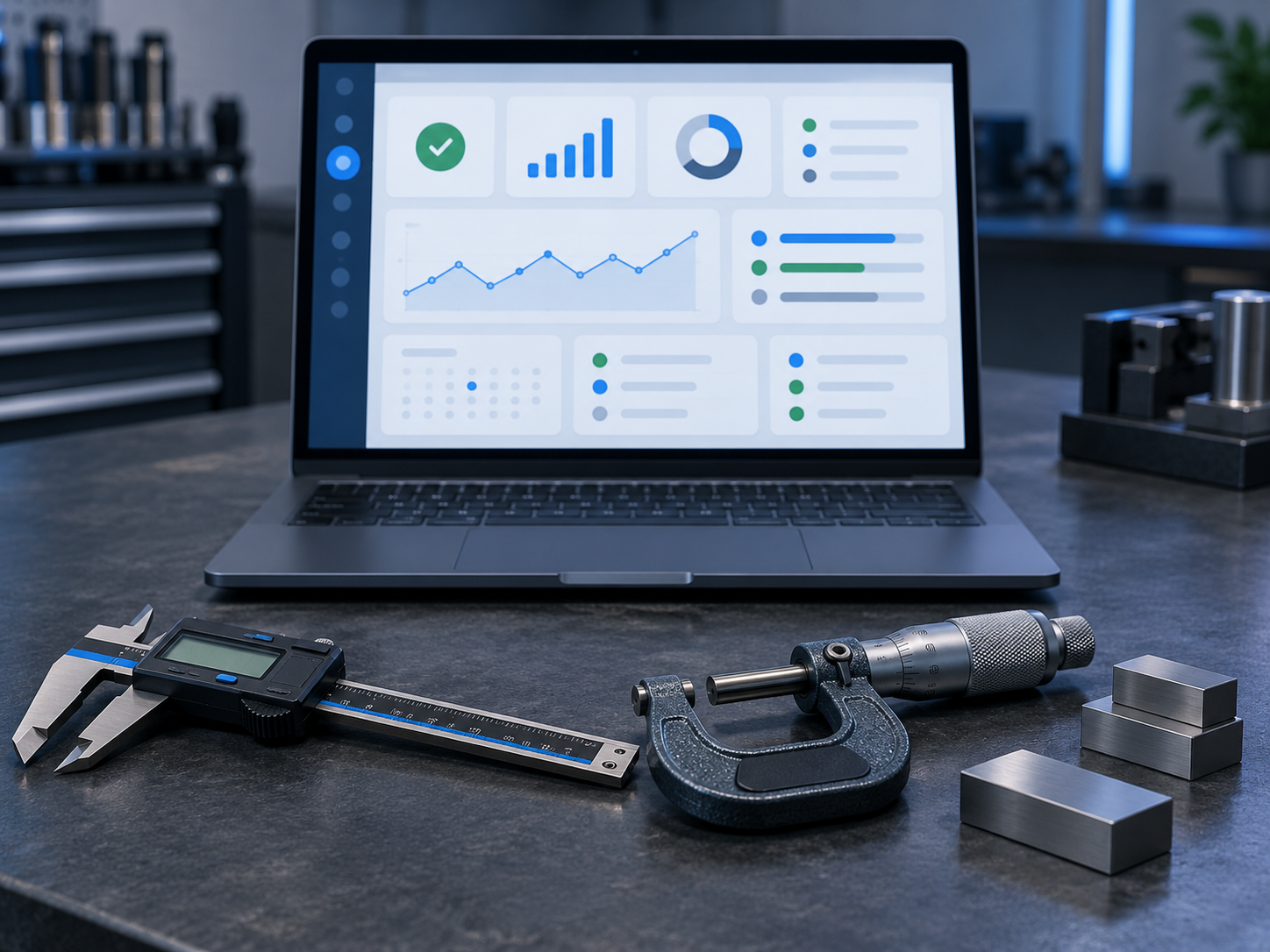
- Proactive overdue status, surfaced without anyone opening a file. The instrument’s status changes on its own timeline. Upcoming and overdue equipment are visible on a dashboard and driven by the calendar, not by whether someone remembered to run a query today.
- Configurable overdue blocking, per tenant. This is the control auditors want to see. You choose whether an overdue instrument triggers a soft warning or a hard block on check-out. A hard block means an operator physically cannot draw an out-of-calibration gauge for production — the system enforces the rule instead of hoping a red row gets noticed.
- A history that outlives the person who built it. As-found/as-left readings, pass/fail results, certificates, and the full possession trail stay attached to each instrument. The program stops being tribal knowledge in one engineer’s head and one fragile file.
- Audit-ready PDF reports. When the auditor asks for the state of your fleet, you produce a report as a fixed artifact, not a live query whose answer changes every time it runs.
Worked through the opening scene: the bore gauge reaches its due date. Its status flips to overdue on the dashboard the moment the calendar crosses the line — no Monday query required. If your tenant is set to hard-block, the next operator who tries to check it out is stopped and redirected. The eleven silent days never happen, because silence was the thing you removed.
How to migrate without rewriting your history
The fear here is real and correct: your Access database is the record of truth, and a clumsy import can corrupt years of traceability. So you don’t do it in one dramatic switch. You stage it.
- Export your Access tables to a clean, flat format (CSV per table). Don’t clean inside Access — export first, so the original stays untouched as your fallback.
- Clean the copy: resolve duplicate instrument IDs, standardise date formats, and flag records missing a last-calibrated date or interval. This is where years of drift surface; deal with it in daylight.
- Map each Access field to its destination — instrument identity, calibration interval, last-calibrated date, as-found/as-left, certificate references. Map the original dates. Never let an import stamp today’s cutover date onto historical records; a history that collapses into one suspicious date fails scrutiny fast.
- Validate by reconciling counts and spot-checking a sample against the source. Prove that what went in matches what you had.
- Parallel-run for one calibration cycle. Keep the Access file readable, run both, and confirm the new system’s due dates and overdue flags match reality before you retire the old one.
A short pre-migration checklist
- Every instrument has a unique, stable ID.
- Every record has a real last-calibrated date and a defined interval.
- Duplicate and orphaned records are resolved.
- Certificates and as-found/as-left data are located and linked, not left behind.
- One full backup of the Access file is archived, read-only, before anything moves.
The quiet win
The goal isn’t a shinier interface. It’s that no instrument ever again goes overdue in silence while the one person who checks is away. You keep the history you built in Access; you just hand the watching to a system that never forgets to look.
If you want to see what a staged migration would look like against your own equipment list — history preserved, overdue alerting on from day one — that’s a conversation worth having before your next surveillance audit, not after it.