Your Access Location Field Is Erasing Gauge History
A gauge fails as-found. Your Access DB says where it is now, not where it was in March. Why one overwritten field breaks ISO 9001 7.1.5.2 impact reviews.
The micrometer came back from the lab out of tolerance as-found. It read 0.012 mm high against a ±0.004 mm tolerance. Your reaction plan is clear on paper: find every part it measured since its last good calibration and decide whether any of them are suspect. So you open the Access calibration database, go to the gauge record and look at the Location field. It says "Line 3 – Final Inspection".
That’s where it is today. It tells you nothing about where it was in March, when the last good calibration closed, or during the six weeks in between when it was lent to the machining cell because theirs was out for repair. The database knows where the gauge is. It has no record of where the gauge has been.
This article covers that one design decision: a single Location column (often with a Holder or Issued To column next to it) that gets overwritten on every move. It’s rarely discussed, and it’s one of the most expensive gaps in a homegrown calibration system.
Why the database was built this way
This isn’t a mistake anyone should be embarrassed about. Most Access calibration databases grew from one gauge table and one readings table, with a form and a subform to go with them. The person who built it was solving a real problem, "where is gauge 0417 right now?", and one field answers it. When a technician moves a gauge, they overwrite the field and save. The form stays simple, the table stays small, and the crib attendant can find things.
For years that’s enough. The trouble is that "where is it now" is an inventory question, and the question you get during an out-of-tolerance investigation is a traceability question. The two need different data structures. Overwriting a field is one of the few edits a database makes that destroys information by design.
What the standards actually ask for
ISO 9001 clause 7.1.5.2 says that when measuring equipment is found unfit for its intended purpose, the organisation must determine whether the validity of previous measurement results has been adversely affected, and take appropriate action. IATF 16949 goes further in 7.1.5.2.1. Its calibration/verification records must include an assessment of the validity of previous results when equipment is found out of tolerance, and notification of the customer if suspect product has shipped. AS9100 has equivalent wording, and ISO/IEC 17025 clause 6.4 expects the laboratory to examine the effect of nonconforming equipment on previous work.
None of these clauses says "keep a location history". But you can’t carry out any of them without knowing who used the gauge, where, and when. Scope the impact too narrowly and you risk escaping product. Scope it too widely and you quarantine three weeks of good parts. An auditor reviewing your out-of-tolerance record will ask how you set the boundary. "We asked around" is an honest answer, and a weak one.
A worked example: one gauge, four moves, one surviving record
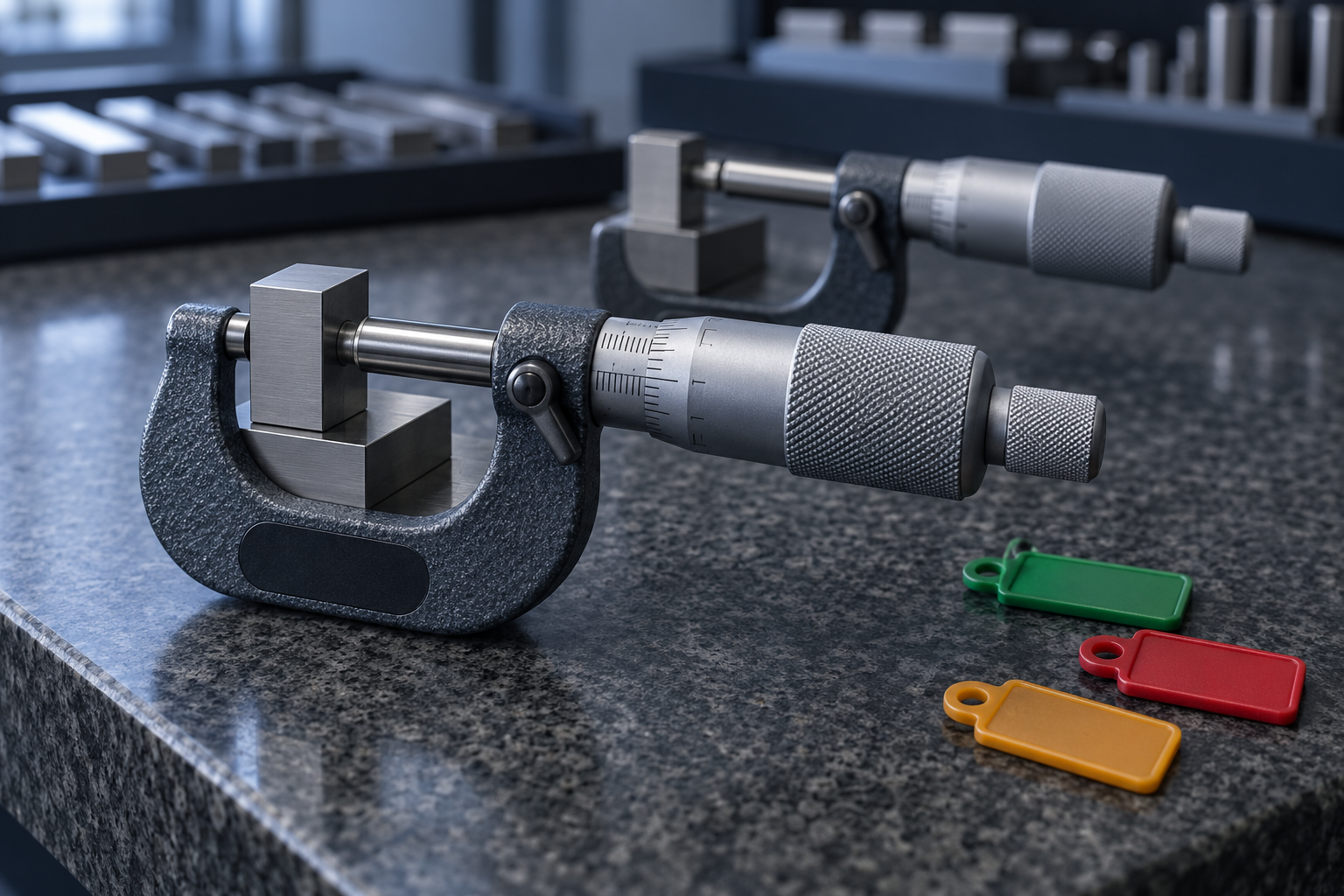
Follow a single 25–50 mm micrometer through a quarter in a typical Access setup:
- 12 March: calibrated, passed. The Location field says "Crib".
- 14 March: issued to Line 3 final inspection. The Location field becomes "Line 3". The previous value is gone.
- 2 April: lent to the CNC cell while their micrometer is at the lab. The field becomes "CNC Cell". Whoever edited it didn’t enter a holder, so the Holder field still shows the Line 3 inspector.
- 16 May: returned to Line 3. The field becomes "Line 3" again.
- 11 June: sent for calibration and found out of tolerance as-found.
Open the record on 11 June and it looks as if the micrometer spent the whole quarter on Line 3, with one inspector. The six weeks in the CNC cell, the one period most likely to matter, isn’t recorded anywhere in the system. With luck it lives in someone’s memory, a sign-out clipboard or an email thread. Without luck, your impact assessment covers the wrong line.
Look at what happened to the Holder column as well. Two fields that should change together were edited separately, and nothing enforced the link. Hand-maintained current-state columns drift in exactly this way.
"We can add a history table in Access"
This is the fair objection, and it deserves a real answer. Yes, you can build a LocationHistory table and write VBA on the form’s BeforeUpdate event to copy the old value across. Some teams have done it well. Three things usually go wrong, though:
- History only exists from the day the table was added. Everything before that was already overwritten, and a retrofit can’t recover it.
- The trigger lives in the form, not the data. An edit made directly in the table, through an update query, an import or a copy-pasted datasheet row bypasses the code. The history looks complete and isn’t.
- The history table is as editable as everything else. Anyone with write access to the back-end file can change or delete rows, and nothing shows that they did. That’s still weak evidence.
Then there’s maintenance. The VBA belongs to whoever wrote it, and it has to survive every Office update. Access 2021 and Office LTSC 2021 reach end of support on 13 October 2026, so plenty of teams will be testing their macros on a new build this quarter.
What changes when possession is its own record
The structural fix is to stop storing possession as a property of the gauge and record it as an event. In PrüfDesk, every check-out and every permanent allocation is its own record, linked to the instrument. That record holds who requested it, who it was issued to, who approved it, when it went out, when it was expected back, when it actually came back, and the condition noted at issue and at return. Nothing gets overwritten. The next check-out simply becomes the next row. Edits to the equipment record itself, including its assigned location, go into the tenant’s audit log with the user and a timestamp.
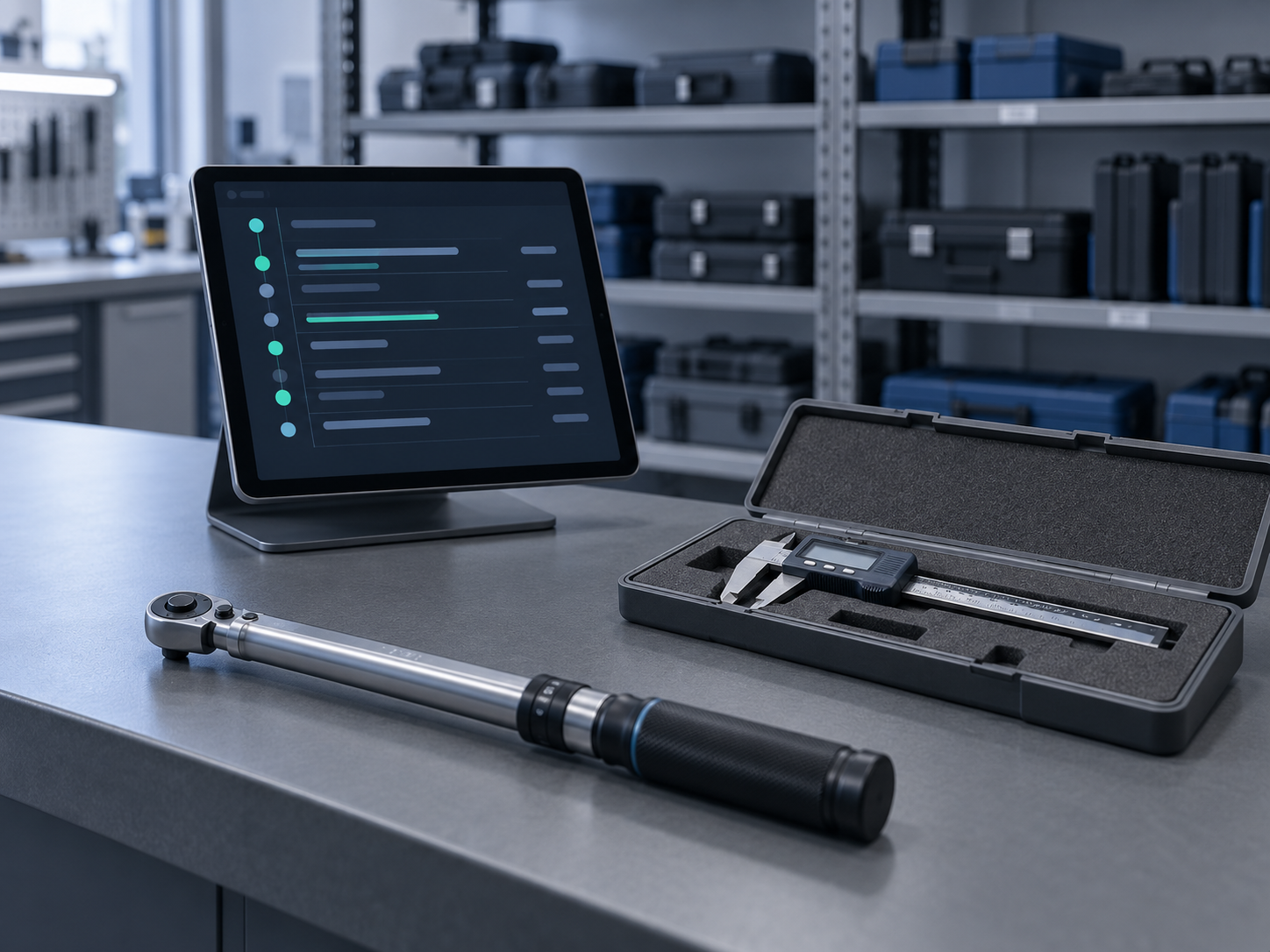
Replay the micrometer example in that model. On 11 June you open the instrument and see a chronological list: the permanent allocation to Line 3, the loan to the CNC cell from 2 April to 16 May with the borrower’s name, and the return. Your impact window is now two defined populations with dates, and you can bound the containment accordingly. The reasoning goes into the out-of-tolerance record, not into a meeting.
Two other things follow from this. Overdue blocking is configurable per tenant (a hard block or a soft warning), so an instrument past its calibration due date can be stopped at check-out instead of being found in use afterwards. And because allocation history and calibration records live in one system, the audit-ready PDF report reads the same data your investigation did.
Migrating without losing what little history you have
Be realistic here. Migration can’t recreate history that Access never stored. What it can do is keep everything that does exist and stop the loss from continuing.
Pre-migration checklist:
- Export the current Location and Holder values as the opening position for each instrument, dated to the cut-over.
- Look for shadow history: sign-out sheets, crib logbooks, email loans, any VBA history table. Decide which of it is reliable enough to import as dated allocation records and which you will only archive.
- Reconcile Holder against Location. Mismatches like the one in the example are data-integrity findings, so correct them before import, not after.
- Keep a read-only copy of the final Access file as the record for anything dated before cut-over, and write down that decision.
- Run check-outs in the new system from the first day of the parallel run, even if Access is still the record for calibration results.
- Record the migration as a planned change, with the known history gap stated openly. An auditor will accept a documented limitation far more readily than a gap nobody mentioned.
The question to ask this week
Pick one instrument that moved around this year and try to reconstruct its possession history from your database alone, without asking anyone. If you can, your setup is better than most. If you can’t, you now know what your next out-of-tolerance investigation will cost.
If you’d like to see how a possession trail looks for your own instruments, PrüfDesk lets you register a few and run check-outs against them before you commit to a full migration. Start small, compare it with what you have, and decide on the evidence.