Use Past Audit Findings to Scope Your Access Migration
Your last three audit reports already list what a new calibration system must prove. Turn each finding into a requirement and a parallel-run test.
"We need a requirements list for the new calibration system by Friday." Most Quality Engineers who have run an Access calibration database for years know what happens next. You open a blank document, type "automatic reminders", "audit trail" and "multi-user", and look at the vendor feature grids. Two hours later you have a wish list that every vendor will tick from top to bottom, and it tells you nothing about whether your program will actually survive the next surveillance audit.
There is a better source, and it is already in your filing cabinet: your last three audit reports.

Why audit findings make better requirements than feature lists
A feature list describes what software can do. An audit finding describes where your calibration program failed to show control, in front of an independent witness, against a specific clause. That makes it a much better input:
- It is evidence-based. Someone sampled your records and found a real gap. Nobody imagined it.
- It already cites the clause. ISO 9001 7.1.5.2, IATF 16949 7.1.5.2.1, AS9100 7.1.5.2 or ISO/IEC 17025 6.4 and 8.4. Your requirement inherits the clause’s language.
- It is specific to your failure modes. A lab that never lends gauges out will not have possession findings. A machining plant with 600 gauges on the shop floor almost certainly will.
- It gives you a test. If a finding describes a situation, you can recreate that situation during the parallel run and check that the new system handles it.
The Access database rarely caused these findings directly. Practitioners regularly report that auditors were satisfied, even impressed, with how fast an Access register could retrieve a record. Auditors do not object to a tool. They object to missing control, and missing control tends to collect where a homegrown database depends on a person remembering to do something.
A worked example: three findings, three requirements, three tests
Here is how this looks for a typical automotive supplier. The findings are composites, but every Quality Engineer will recognise them.
Finding 1: Gauge in use past its calibration due date
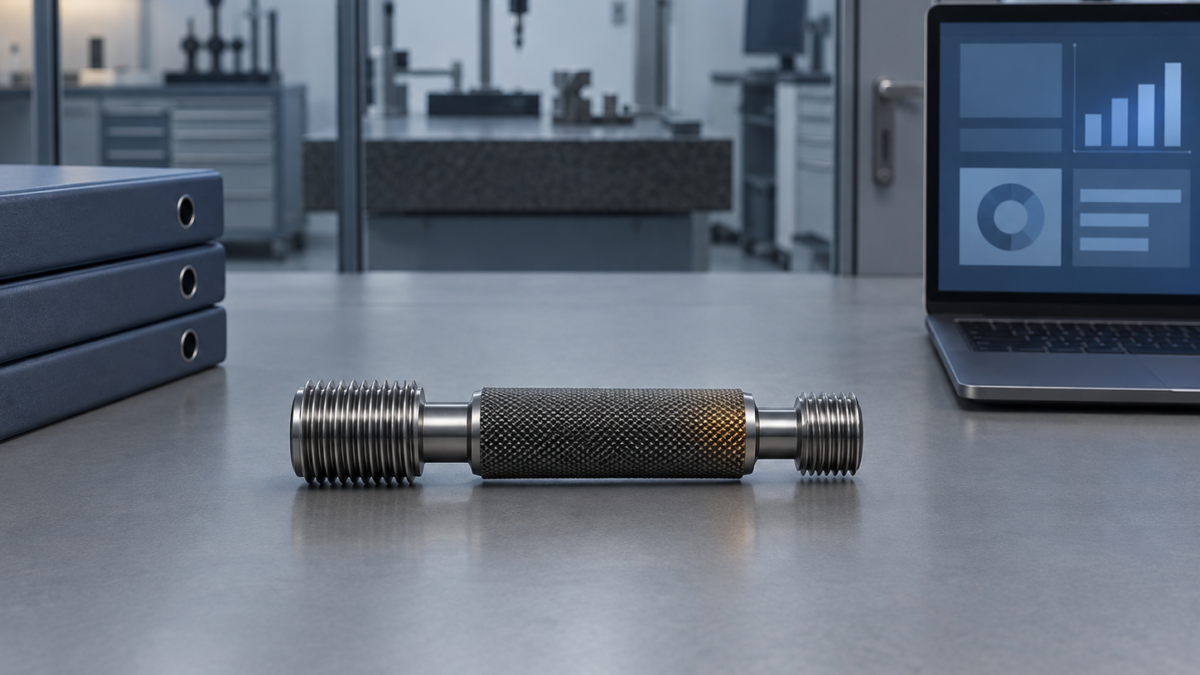
Minor nonconformity, IATF 16949 surveillance. Thread plug gauge found at the cell with a due date six weeks in the past.
Root cause in the Access setup. The overdue query worked, but someone had to run it. Nothing stopped an expired gauge from being issued, and the weekly printout was not done during the summer holiday.
Requirement. Due dates are calculated automatically from the last calibration date and the interval. An overdue instrument is either blocked at check-out or flagged with a warning, set deliberately by risk and not left to habit.
Parallel-run test. Choose an instrument and let its due date lapse in the test tenant. Try to check it out as an operator. With hard blocking, the system must refuse. With a soft warning, the warning must appear and the check-out must be recorded. PrüfDesk lets each tenant configure blocking as hard block or soft warning, which means you have to decide which one, and that decision belongs in your requirements document as well.
Finding 2: Out-of-tolerance result with no product impact assessment
Minor nonconformity. Torque wrench failed calibration. No record that the validity of previous measurement results was evaluated (ISO 9001 7.1.5.2; IATF 16949 7.1.5.2.1 requires records of as-found out-of-specification readings and the assessment).
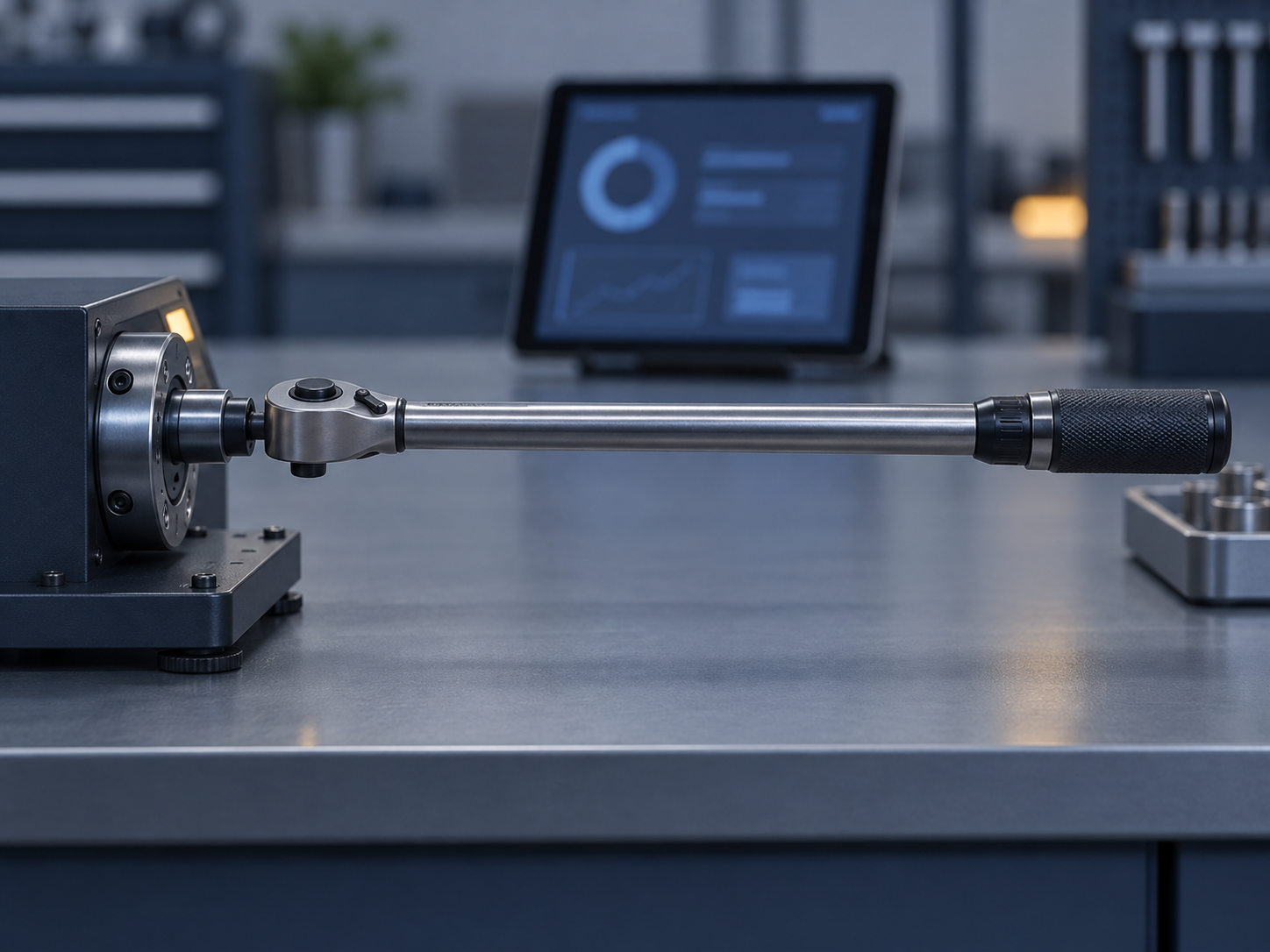
Root cause. The Access table held one result field: Pass or Fail. When the wrench was adjusted and passed, someone overwrote the field, so the as-found condition no longer existed anywhere except on the external certificate PDF in a network folder.
Requirement. As-found and as-left are recorded as separate values on every calibration event. Certificates are attached to the event. A Fail result is visible in the instrument’s history and is never replaced by the next Pass.
Parallel-run test. Take five historic out-of-tolerance events from the paper and PDF trail. Check that each one appears in the migrated history with its as-found result intact. If the as-found value was never captured in Access, the migration cannot invent it. Record the gap as a known limitation of legacy data and leave it as a gap. That honesty belongs in your validation report as well.
Finding 3: Instrument location and custody could not be shown
Observation. Auditor asked who had used a specific pin gauge set during the month a nonconforming lot was produced. Nobody could answer.
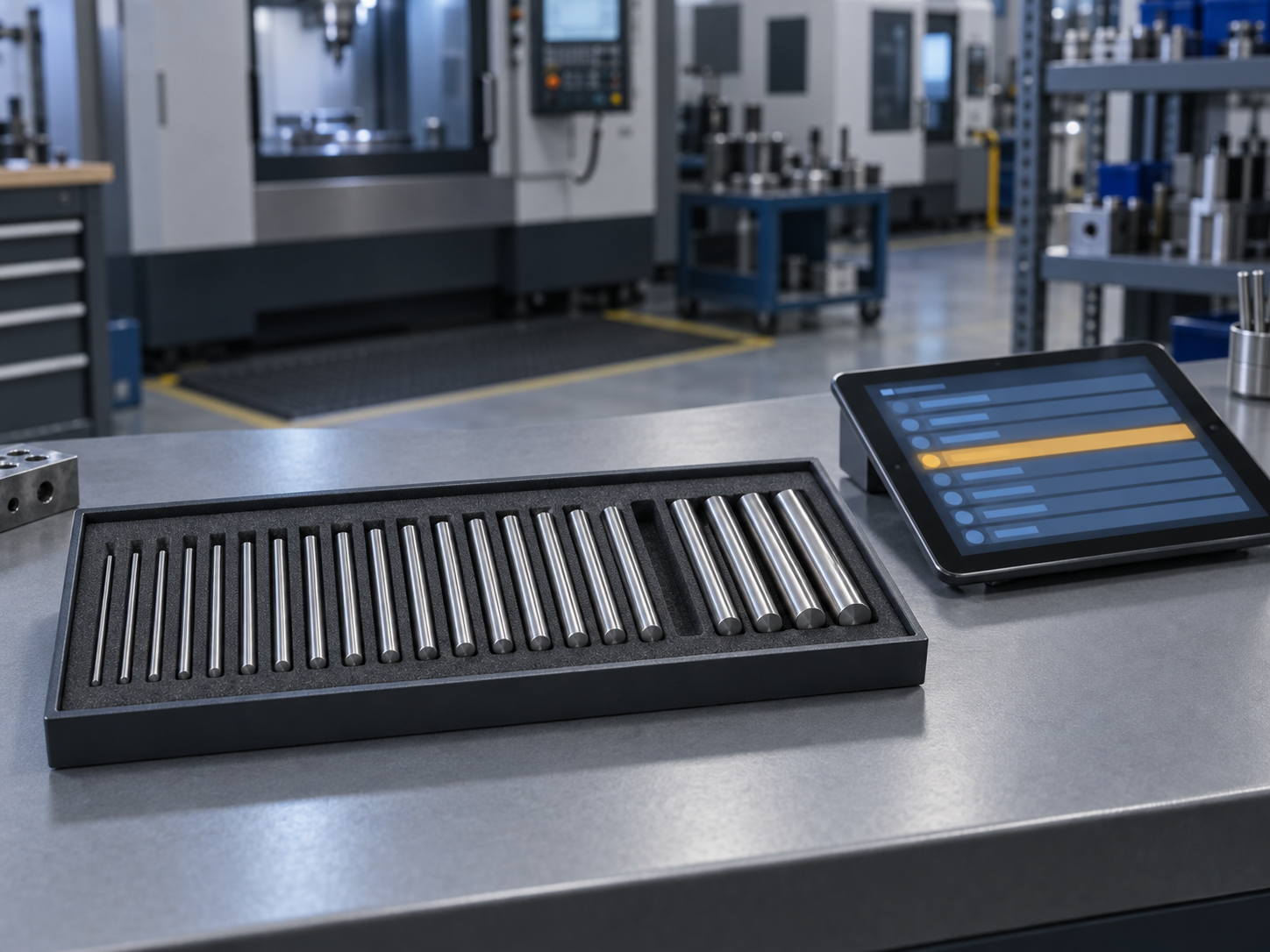
Root cause. Access stored a "current location" field. Every move overwrote it, so the history of who held the gauge and where was gone.
Requirement. Every check-out, return and permanent allocation is logged with user, date and location, and earlier entries are kept when the next one is made. This is the possession audit trail that PrüfDesk keeps for bookings, allocations and location history.
Parallel-run test. Check a gauge out, move it, allocate it permanently, return it. Then produce its possession history for that period as an auditor would ask for it, and time how long it takes.
How to build the list from your own reports
- Collect three audit cycles. Certification or recertification, surveillance, customer audits and your own internal audits. Internal audits often find the real problems first.
- Extract everything about calibration and records, including observations and opportunities for improvement. OFIs are the findings that become nonconformities next year.
- Write one line of root cause per finding that names the mechanism in the legacy setup: a query someone had to run, a field that gets overwritten, a macro only one person can maintain.
- Turn each one into a requirement and an acceptance test. The test becomes part of your parallel-run script, and the parallel run becomes your evidence.
- Keep the clause reference on every line. When the next auditor asks how you validated the new system, you can show finding, requirement, test and result in one table.
The objection: "Those findings are closed"
They are. But read how they were closed. In most Access-based programs the corrective action reads something like "QE to run overdue report every Monday" or "technician to record as-found value in comments field". These are effective corrective actions, but they work because a person compensates for the system. They hold for as long as that person keeps doing them, and that is exactly the dependency you are migrating away from.
A migration is the one moment you can move a corrective action from someone’s routine into the system’s behaviour. If you skip this step, you carry every Monday-morning workaround into the new platform as well.
A second, fair objection is "We had almost no findings." That is good news. Use internal audit results, near misses and the gauges someone found overdue just before an auditor did. Then write requirements from the workarounds you are quietly proud of, because each one hides a control the system should provide.
What this will not fix
Be honest in your project scope. A new system will not justify a calibration interval you chose in 2009 and never reviewed, and it will not write an impact assessment for you. It makes sure the as-found result is still there when you need to write one. Findings that come from process belong in the process. Keep them on the list anyway, marked "procedure, not software", so nobody believes the migration closed them.
Some migration guides describe calibration data migration as an afternoon’s work: export the registry, attach the certificates, check the counts. Counts are not the test. The test is whether the situations that went wrong in front of your auditor now go right.
Pre-migration checklist
- [ ] Last three external and internal audit reports collected
- [ ] Every calibration and records finding extracted, OFIs included
- [ ] Root cause in the legacy setup written for each
- [ ] Each finding converted to a requirement with its clause reference
- [ ] Each requirement paired with a parallel-run acceptance test
- [ ] Overdue blocking decision (hard vs soft, by instrument risk) documented
- [ ] Known legacy data gaps (e.g. missing as-found values) listed, not hidden
- [ ] Process-only findings marked separately
Where to start
You do not need a vendor to start this. Pull the reports, build the table, and you will know what any system has to prove before it replaces your Access database. If you then want to check that table against PrüfDesk, covering auto-calculated due dates, configurable overdue blocking, as-found/as-left records with certificates, reusable procedure templates, the possession audit trail and audit-ready PDF reports, bring your findings and we will run the tests with you, one line at a time.