
The VLOOKUP That Hid an Overdue Gauge
One broken VLOOKUP drops an instrument from your overdue list until the auditor finds it. Why the Excel half of your Access stack fails silently.
Priya runs the calibration program at a Tier 1 automotive supplier. Her instrument master lives in an Access database her predecessor built in 2014, and the "overdue this month" view — the one she prints for the Monday quality meeting and pulls up during audits — lives in an Excel workbook that reads from an export of that database. It has worked for years. Then, three days before an IATF 16949 surveillance audit, the auditor asked to see a specific bore gauge on the shop floor. It was 40 days past its calibration due date. It was not on her overdue list. Nobody had touched a setting, nobody had deleted a record, and no error had ever appeared on screen. The instrument had simply stopped being counted.
This is the quiet failure mode of the Access-plus-Excel calibration stack, and it is worth understanding precisely, because it is not a story about carelessness. It is a story about a formula doing exactly what it was told.

Why the spreadsheet sidecar exists in the first place
Nobody set out to run compliance on a VLOOKUP. It grew. Access held the records well enough, but Access reports are stiff, so someone exported the instrument list to Excel to make the due-date roster look the way the audit wanted it. Excel is where the team already lived. You could sort it, color the overdue rows red, and email it. It was free, it was fast, and it was under the quality team’s control instead of IT’s. Every one of those reasons was sound. The Excel sidecar was a rational answer to a real problem.
The trouble is that a spreadsheet built to display a list quietly became the thing that decides the list. And a spreadsheet has no obligation to tell you when it decides wrong.
How one VLOOKUP silently drops an instrument
Walk through the actual mechanism, because the vagueness is what makes people distrust the warning. A due-date roster typically works like this: a column of instrument IDs, and next to each ID a VLOOKUP that reaches into the exported table to fetch the last calibration date or the due date. Several ordinary events break that lookup without any red text:
- The range didn’t extend. The lookup points at
A2:D500. Last quarter the team registered instruments 501 through 540. Those forty rows fall outside the range, so the formula never sees them. New instruments — often the ones most likely to come due — are the first to vanish. - Text pretending to be a date. A due date imported or typed as text (
"03/09/2026"as a string, not a serial date) sorts and filters as a word, not a date. Your "overdue = due date < today" test compares a number against a string and quietly returns nothing. The row stays white. - An ID mismatch. A leading space, a trailing tab,
GAUGE-014versusGAUGE014, or Excel helpfully reformatting an ID as a number and stripping a leading zero.VLOOKUPfinds no exact match and returns#N/A. If someone wrapped the formula inIFERRORto keep the sheet "clean," that#N/Abecomes a blank — and a blank due date never trips an overdue rule. - A sort that separated the columns. Someone sorted one column without extending the selection, and now the IDs and their fetched dates no longer line up. Every row is now confidently wrong.
None of these throw a dialog box. None of them get logged. The workbook opens, the roster looks complete, the red rows look like the whole truth. The gauge that dropped off is not flagged as missing, because from Excel’s point of view nothing is missing — it was asked a question and it answered. The instrument only reappears when a human physically finds it on the floor, which, if you are unlucky, is when the human is an auditor.
What this costs you against the standard
This is not merely untidy. ISO 9001 clause 7.1.5 requires that monitoring and measuring resources be verified or calibrated at defined intervals, and that you retain documented evidence of fitness for purpose. IATF 16949 tightens this into a full calibration/verification system with records that demonstrate traceability. An instrument that was used to release product while 40 days overdue is, at minimum, a nonconformity — and it triggers the question every quality engineer dreads: what did we measure and ship with it? Now you are into a measurement-system risk review and a potential recall assessment, all because a formula’s range stopped at row 500.
The deeper finding is worse than the single gauge. When an auditor sees that your overdue determination depends on an uncontrolled formula that can fail without notice, your whole monitoring method is in question, not one instrument. You cannot show that the roster is reliable, because you cannot show that it can’t silently omit a record. That is a systemic finding against your calibration control, and it is very hard to close with a corrective action that still relies on the same spreadsheet.

The real fix: stop calculating status, start reading it
The defensible answer is not a better VLOOKUP or a macro to validate the range. It is to stop deriving overdue status in a document at all, and to make it a property of the record itself. In a system like PrüfDesk, every instrument carries its own calibration interval and its due date is auto-calculated from its last calibration, not fetched by a formula that can point at the wrong cell. Overdue is a state the instrument is in, evaluated by the system against today’s date — there is no external list to fall out of, because there is no external list. The overdue view is a query over the same records everyone else reads, so an instrument cannot be present in the master and absent from the roster.
Two capabilities turn that from a nicer report into a genuine control. First, configurable overdue blocking: per tenant, you choose whether an overdue instrument is a hard block (it cannot be checked out or used) or a soft warning. An overdue gauge stops being an invisible line item and becomes something the floor physically cannot ignore. Second, pass/fail records with certificates and as-found/as-left data attached to the instrument’s own history — so the evidence an auditor asks for is one click from the status, not reconstructed from an export and a workbook that may no longer agree.
You do not have to trust the migration blindly
The honest objection is: my Excel roster is wrong in ways I can’t see, so how do I trust that a new system imported it correctly? That is exactly the right instinct, and it is why you migrate in stages rather than by a single copy-paste. Export the Access tables and the Excel roster; clean the obvious integrity faults you now know to look for (text-dates, stray spaces, stripped leading zeros); map each field to the target; and then validate by reconciliation — every instrument in the old master must appear in the new system with a matching last-calibration date and interval. The instruments the VLOOKUP was hiding surface during this reconciliation, on your terms, instead of during an audit. Then run both systems in parallel for one calibration cycle so you can prove the new overdue list and the old one agree before you retire the spreadsheet. History and traceability are preserved because you carried the records forward and checked them, not because you hoped.
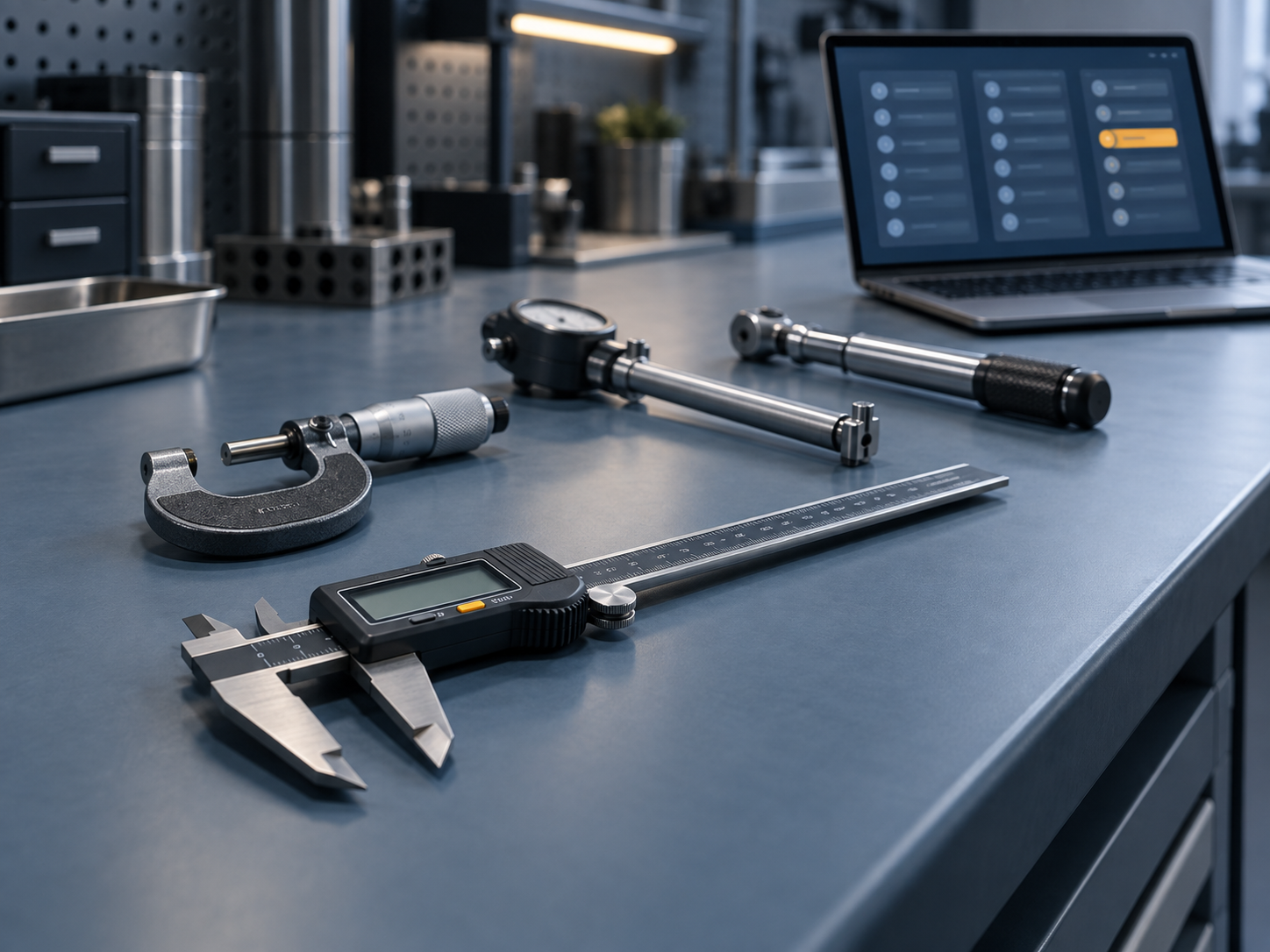
A short pre-migration checklist
Before you move a single record, spend an afternoon on this:
- Find the seams. List every place an instrument’s status is calculated outside the database — every VLOOKUP, every pivot, every "master" workbook. Each seam is a place status can silently diverge.
- Test your date column. Filter the Excel roster’s due-date column for anything stored as text. Every text-date is an instrument your overdue rule may already be skipping.
- Reconcile the counts. Compare the instrument count in Access against the count on the roster. If they differ, you already have hidden instruments — find them now.
- Check the range. Confirm every lookup covers the full, current table, and note when it was last extended.
- Capture the intervals. Make sure each instrument has an explicit calibration interval recorded, so due dates can be recalculated correctly on the new system.
Where this leaves you
The Access database was never the whole risk. The risk was the second, uncontrolled half of the stack — the spreadsheet that decided who was overdue and had no way to warn you when it decided wrong. Moving calibration status out of a formula and into records that calculate and enforce their own due dates is not a leap of faith; it is the boring, staged, reconcilable change that makes the Monday roster something you can defend under an auditor’s gaze.
If you would like to see what your overdue list looks like when it can’t silently drop a gauge, take a short look at how PrüfDesk calculates due dates and flags overdue instruments — no formula, no sidecar, no surprises three days before the audit.