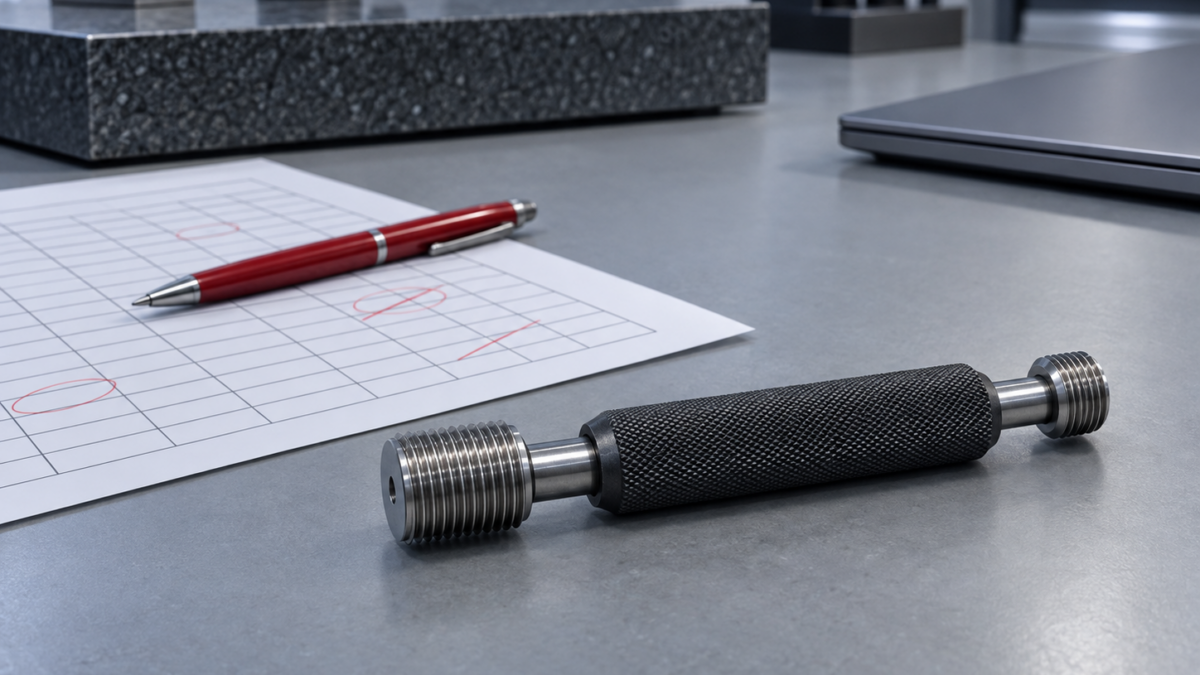
An Auditor’s Red Pen on Your Calibration Spreadsheet
Ten things an auditor circles on a calibration workbook, each mapped to its ISO 9001, IATF 16949, AS9100 or 17025 clause, and what to fix before import.
An Auditor’s Red Pen on Your Calibration Spreadsheet
"Can you show me the full gauge list? All of it, not filtered." The auditor said it quietly, and the quality engineer next to me realised what was coming before I did. The workbook on the projector had an AutoFilter left on from Friday, when someone had narrowed it to the machining cell. Forty-one rows were hidden. Two of them were thread gauges that had gone overdue in August.
Nobody had done anything wrong on purpose. The spreadsheet was doing what spreadsheets do.
This article walks through a typical calibration workbook the way an auditor reads one. It gives ten annotations, ties each to the clause it touches, and says plainly which ones a move to a system fixes and which ones you have to clean up yourself first.
First, credit where it’s due
The calibration workbook exists for good reasons. It was free, it was quick to build, and it fit the way your plant actually works. Someone careful made it: they added conditional formatting so overdue rows turn red, a Next Due formula, and a Notes column for whatever didn’t fit. In plenty of plants it carried the program through several clean audits.
None of the standards require software. ISO 9001 7.1.5, IATF 16949 7.1.5.2, AS9100 7.1.5, ISO 13485 7.6 and ISO/IEC 17025 ask for controls: specified intervals, identifiable status, retained evidence, protected records. A spreadsheet can meet those controls. The trouble is that it meets them only while every person who touches it behaves perfectly, and the file never tells you when someone didn’t.
The ten annotations
1. "Is this the complete register?"
Leftover filters, hidden rows, a second tab called "Old gauges – check". AS9100 7.1.5.2 expects a register of monitoring and measuring equipment. IATF 16949 7.1.5.2.1 says the record covers all gauges, including employee-owned ones. If the register’s completeness depends on how the last user left the view, you can’t defend it.
2. "How was this due date calculated?"
=B2+365 looks fine until a leap year. 1 March 2024 plus 365 days is 28 February 2025, so the interval quietly drifts by a day. ISO 9001 7.1.5.2 a) requires calibration "at specified intervals". The auditor will ask whether the interval in the procedure matches what the formula actually produces, and on some rows the formula has been typed over with a fixed date.
3. "Where is the status recorded?"
Red, yellow and green live in conditional formatting, not in the data. Export the sheet, paste it into a report or print it in black and white, and the status is gone. ISO 9001 7.1.5.2 b) asks that equipment be identified so its calibration status can be determined. A colour that exists only on one screen is a weak answer to that.
4. "Where is gauge 0417 right now?"
The Location column uses merged cells, so only the top row of each block holds a value and every other row is technically blank. AS9100 7.1.5.2 lists location among the register contents and requires a recall process for equipment due for calibration. You can’t recall a gauge you can’t find.
5. "What did it read when it came in?"
The Notes column says "OK", or "slightly out, adjusted". IATF 16949 7.1.5.2.1 asks for out-of-specification readings as received, which is the as-found condition. One free-text cell can’t hold an as-found reading, an as-left reading and the tolerance they were judged against.
6. "This one failed. What did you do about the parts?"
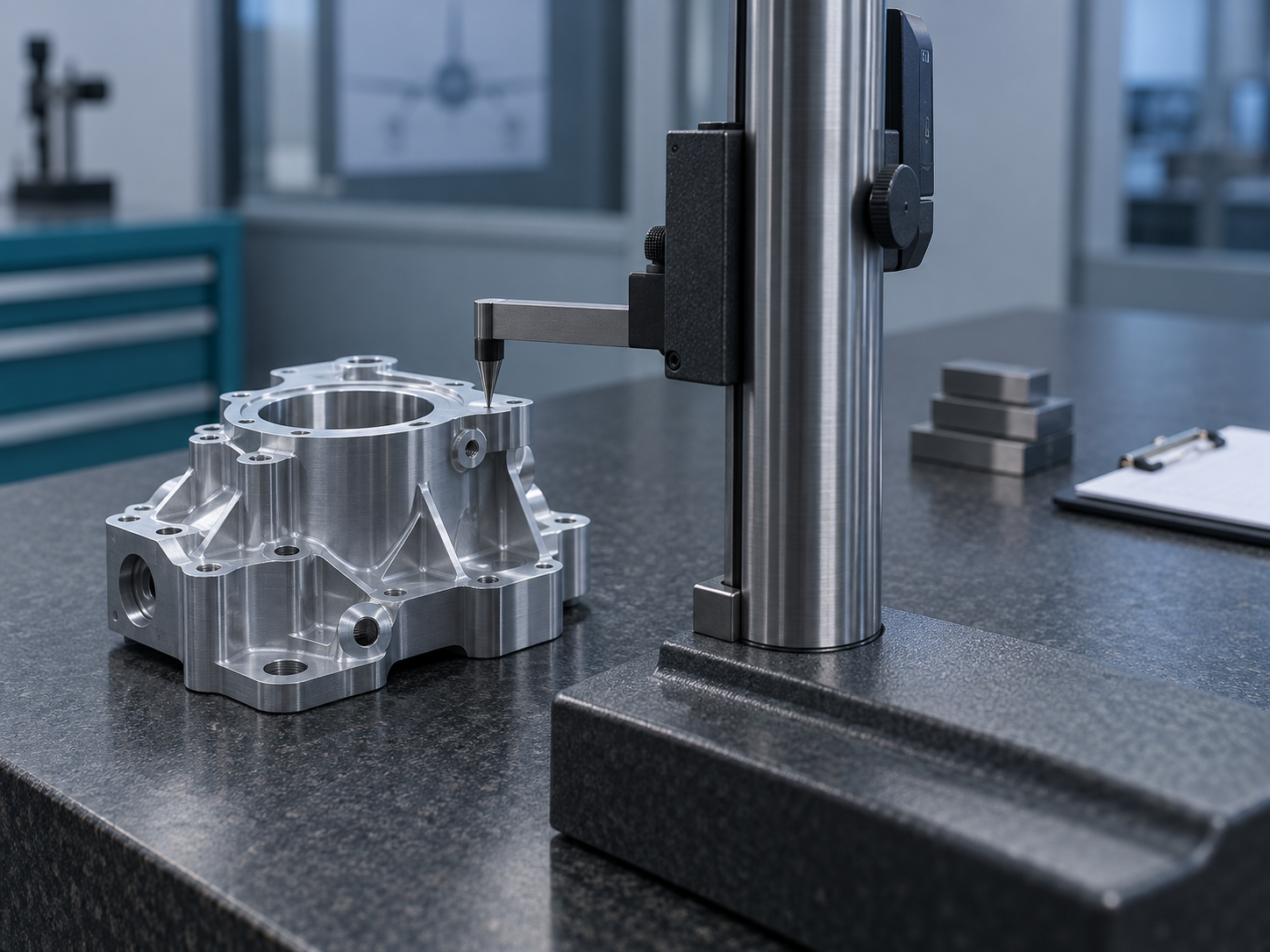
ISO 9001 7.1.5.2 requires you to decide whether the validity of earlier results was affected when equipment turns out to be unfit. IATF adds a risk assessment and customer notification where suspect product shipped. In the workbook, the failed row has no link to a nonconformance or an impact review. That work may well have happened, but the record doesn’t show it.
7. "Show me the certificate for this row."
The Certificate column says "see folder", and the folder holds scan_0042.pdf. ISO 13485 7.6 requires records of calibration results to be maintained. ISO/IEC 17025 7.5 expects technical records that let someone reconstruct the activity. A certificate you have to hunt for by date is retained in theory, not in practice.
8. "Who changed this date, and when?"
This is the question that ends the conversation. ISO/IEC 17025 7.5.2 requires that changes to technical records can be traced to the original, with the date of change, what was changed and who changed it. 7.11 expects data protected against undetected alteration. A cell keeps no memory. Version history on a shared drive shows that the file changed, not which cell changed or why.
9. "Was this workbook validated?"
ISO/IEC 17025 7.11.2 requires data systems, spreadsheets included, to be validated before use and again after changes. ISO 13485 4.1.6 asks the same of software used in the quality management system. Most calibration workbooks have been edited many times and validated never.
10. "What stopped someone using it?"
Nothing. The row was red, but the gauge sat in an open drawer and a second-shift operator signed it out on a scrap of paper. ISO 9001 7.1.5.2 c) requires equipment to be safeguarded against conditions that would invalidate its calibration status, and ISO 10012 builds its whole measurement management approach on equipment being confirmed before use. A warning that nobody is forced to read is not a control.
What a system fixes, and what you still have to fix
Read the list again and you’ll see the annotations fall into two groups. Some are structural: they come from the spreadsheet being a grid of editable cells. A real system removes them by design. Others are data problems that will follow you into any system unless you clean them up first.
| Annotation | Fix before import | Handled after go-live in PrüfDesk |
|—|—|—|
| 1. Incomplete register | Clear filters, unhide rows and sheets, merge stray tabs | One instrument list, no saved views that hide records |
| 2. Due-date formulas | Replace formulas with the actual last calibration date and a numeric interval | Next due date calculated from the interval |
| 3. Status in colour | Nothing needed, colours don’t import | Status is stored as data and visible everywhere |
| 4. Merged locations | Unmerge cells, fill down, standardise location names | Location and possession history per instrument |
| 5. As-found in Notes | Split readings into separate columns where you have them | Structured as-found/as-left records against tolerance |
| 6. No impact link | List open out-of-tolerance events by hand | Pass/fail records with the certificate attached |
| 7. Anonymous scans | Rename certificates by instrument ID and date | Certificates stored on the calibration record |
| 8. No change trail | Can’t be fixed retroactively: freeze and archive the sheet | Recorded history from go-live onward |
| 9. Unvalidated file | Archive it read-only as the historical record | One controlled system instead of a living file |
| 10. Nothing blocks use | Agree on a policy: hard block or soft warning | Configurable overdue blocking per tenant, plus check-out tracking |
Be honest about row 8. No migration creates an audit trail for edits made before cutover. What you can do is freeze the workbook read-only on go-live day, keep it as the historical record, and start a clean trail in the system from that moment. An auditor will accept that. An auditor won’t accept a trail that never starts.
The objection: "Our auditor has never flagged the spreadsheet"
That may be true, and it isn’t a reason to relax. Auditors sample. They pick a few gauges, follow the trail and move on. A workbook can pass three audits on lucky samples and fail the fourth on the row nobody noticed. What matters is not whether the file has been flagged yet, but whether you could answer annotations 1, 5, 8 and 10 for any row the auditor chose, on the spot.
If you can, your workbook is in better shape than most and the import will be quick. If you can’t, the cleanup column in the table above is your to-do list, and it’s worth doing whether or not you ever leave Excel.
How short the move really is
If your sheet is reasonably clean (one row per instrument, real dates, a numeric interval, a location), getting into PrüfDesk is an import, not a project. Map the columns to instrument, interval, last calibration, location and owner. Import, check a sample of rows against the original, attach procedure templates by instrument type, and choose hard block or soft warning. If the sheet is messy, budget a cleanup pass first. Most of that work is in the left-hand column of the table, and it’s easier to do in Excel than anywhere else.
From go-live you get due dates calculated from intervals, as-found/as-left records with certificates, reusable procedure templates that can be overridden per unit, a check-out and possession trail, audit-ready PDF reports, and as many users as you need. Plans are priced by instrument count, not by seat: Starter €49/month for up to 250 assets, Professional €129/month for up to 1,000, Enterprise €299/month for unlimited assets.
If you’d like a second opinion on your workbook before you start, talk to us about your import. Bring the sheet, filters and all.