When Your Access Report Recalculates, History Disappears
Reprint last quarter's overdue calibration report from Access and it won't match. Here's why live queries break traceability — and how to fix it.
The auditor slides a printout across the table. It’s your own overdue-instrument report from last quarter’s surveillance visit — the one you handed over, signed, filed. "Can you reprint this from the system so I can confirm it’s still there?"
You open the Access database, run the same report, same date parameters. It comes back. And it’s wrong. The instrument count is different. Two gauges that showed overdue in the original are now shown as calibrated. One that wasn’t even in scope last quarter has appeared. The numbers on the screen and the numbers on the paper in the auditor’s hand do not agree, and you are now explaining, live, why your quality system produces two different truths from the same query.
If that scene makes your stomach drop, it’s because you’ve either lived it or you know it’s coming. This isn’t a bug in your database. It’s how the thing was designed — and it’s one of the quietest, most dangerous liabilities in a homegrown Access calibration system.
A report is not a record — it’s a live question
Here’s the mechanism, because understanding it is the whole point.
An Access report is not a saved document. It’s a query with a layout wrapped around it. Every time you open it, it runs against the current state of the tables and paints today’s answer. That’s a feature for daily work — you always want to see the live overdue list, not a stale one. Nobody chose the wrong tool here. The Access report did exactly what a report is supposed to do.
The trouble is that a compliance report is supposed to do the opposite. When you print an overdue report on 31 March and file it as evidence, you are asserting a point-in-time fact: "As of 31 March, these were the instruments past their calibration due date." That statement has to stay true forever, because an auditor may ask you to reproduce it in twelve months. But your Access report has no memory of 31 March. Re-run it and it recomputes from scratch against a table that has since been recalibrated, re-scoped, corrected, and edited a hundred times.
So the report silently rewrites itself:
- A gauge that was overdue on 31 March has since been calibrated. The live query joins to its newest calibration record and now reports it as compliant. The overdue event has vanished.
- A due-date formula was tweaked in a form — someone changed a 12-month interval to 6 — and every historical due date recalculated with it. The report doesn’t show what the interval was; it shows what it is.
- A typo in an instrument’s status was fixed in April. Correct going forward, but it also silently altered what March "shows."
None of this is fraud. Every individual edit was reasonable. The problem is structural: you cannot reproduce a snapshot from a system that only ever stores the present tense.
Why the standards care, in their own language
This isn’t a stylistic preference. It’s the difference between passing and failing a records-integrity finding.
ISO 9001 clause 7.1.5.1 requires monitoring and measuring resources to be "suitable" and demands documented information "as evidence of fitness for purpose." Evidence you can’t reproduce isn’t evidence — it’s a story. ISO/IEC 17025 is stricter still: clause 7.5 on technical records requires that records be stored and retained such that the original observations and the information forming each report can be reconstructed. If re-running the report changes the answer, the original observation is, by definition, not reconstructable.
For automotive teams under IATF 16949 and aerospace teams under AS9100, the same principle bites through the control of documented information: records must be protected from unintended alteration. A report built on a live query over editable tables is unintended alteration by design. And ISO 10012, the measurement-management-system standard, expects the confirmation status of every instrument to be traceable through time — not just visible today.
The common thread across all of them is traceability: an unbroken, tamper-evident chain from the reading the technician took to the report the auditor read. A recalculating report breaks that chain at the last link.
"But I keep PDF exports of every report"
This is the honest objection, and a lot of good quality engineers make it. If you export each report to PDF the day you run it and file the PDF, you’ve frozen the snapshot. True — the document is now fixed.
But look at what you’ve actually got: a picture of the answer with no verifiable link back to the data that produced it. If an auditor asks "show me the as-found reading behind this March overdue entry," you go back to the live table, and the table has moved on. Your PDF says one thing; your database says another; you have no controlled way to reconcile them. You’ve preserved the output and lost the audit trail underneath it. A saved PDF is a photograph of a crime scene after the room’s been redecorated — it proves what you saw, not what was there.
Worse, the manual export step depends on someone remembering to do it, every time, forever. Miss one cycle and the snapshot for that quarter simply doesn’t exist.
What "reproducible" actually looks like
The fix isn’t a better query. It’s a different data model — one where results are written once and never recomputed.
In a purpose-built calibration system like PrüfDesk, each calibration event is stored as an immutable record: the as-found and as-left values, the tolerance applied, the procedure version used, the technician, the timestamp, the pass/fail result and its certificate. A correction doesn’t overwrite the original — it appends a new record, leaving the prior one intact and visible. Due dates are calculated and stored against the interval that was in force at the time, not silently recomputed when the interval changes later.
Because the underlying results never move, the report can’t drift. An audit-ready PDF report reprinted next year reads exactly as it did the day it was generated, because it renders fixed records rather than re-asking a live question. Reprint last quarter’s overdue list and it matches the copy in the auditor’s file — every time. That is the entire difference between the two systems, and it is not a small one.
Migrating without faking the history
The reasonable fear is that moving off Access means losing the very history you’re trying to protect. It doesn’t have to — if you migrate in stages rather than in one nervous weekend.
A short pre-migration checklist
- Export the full tables, not the reports. You want the raw calibration records with their original dates, as-found/as-left values, and intervals — the source data, not the recomputed views.
- Preserve original dates. Never let the import stamp the migration date onto historical records. The last-calibrated date must be the real one, or you’ve manufactured a new traceability gap while closing an old one.
- Map every field before you load anything. Instrument ID, interval, tolerance, procedure, result, certificate reference — each needs a defined home in the new schema.
- Validate against a known snapshot. Take one of those frozen PDF reports and reconcile it record-for-record after import. If the migrated system reproduces that old report exactly, your history survived.
- Run in parallel for one cycle. Keep Access read-only alongside the new system for a calibration cycle, compare the overdue lists, and cut over only when they agree.
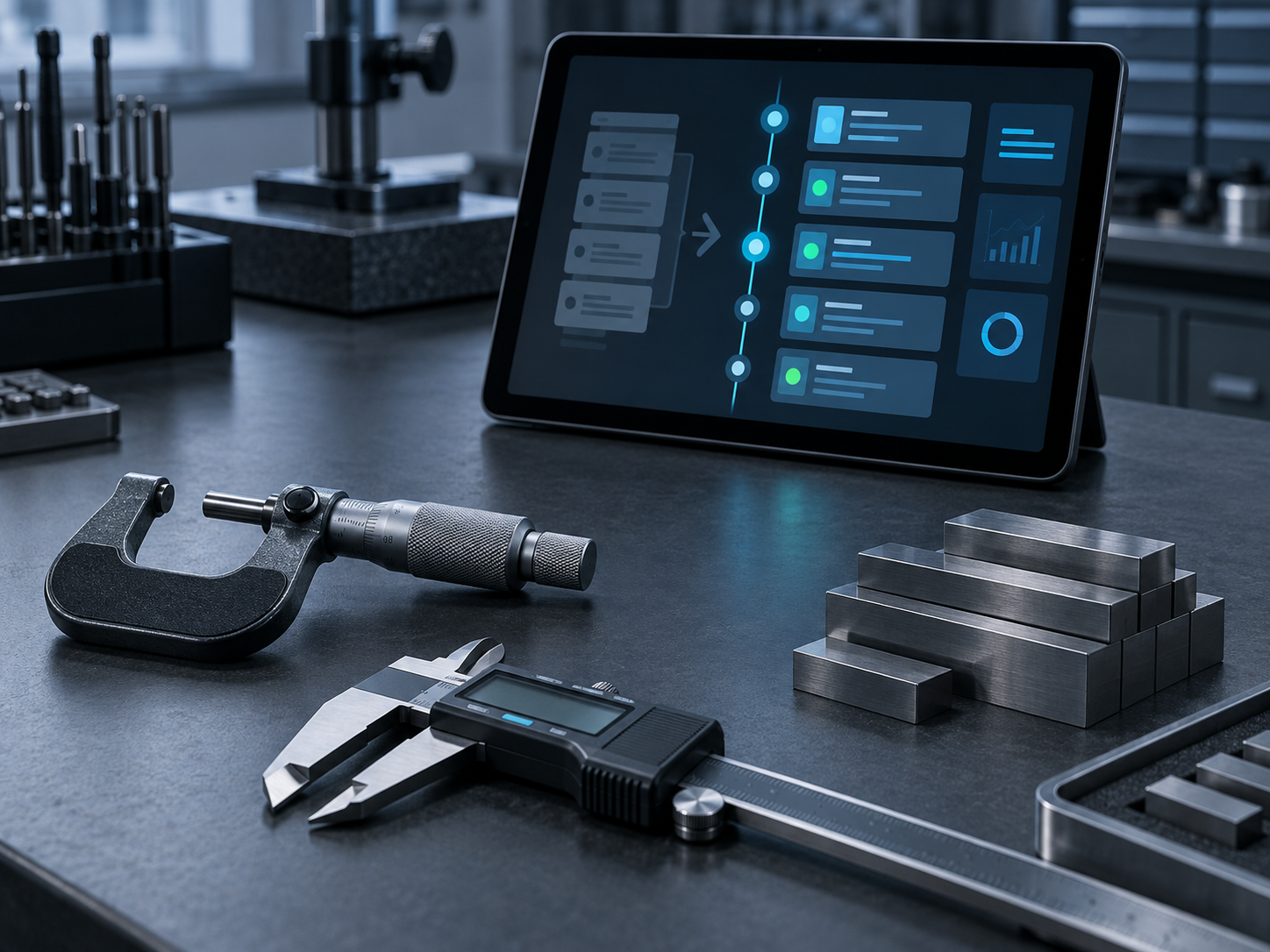
Do it this way and day one gives you what the Access report never could: auto-calculated due dates that don’t drift, configurable overdue blocking, reusable procedure templates, a full check-out and allocation audit trail, and reports that reproduce their own past.
You don’t have to decide today. But the next time you reprint a historical report, watch the numbers — and ask whether you’d want an auditor watching with you. If you’d like to see what a reproducible calibration record looks like against your own data, that’s exactly the conversation worth having next.