4Sight2 Tags vs Instruments: Map Before You Price
A 4Sight2 tag is not an instrument. Map plant > location > tag > device > range to a per-instrument count and keep every calibration result traceable.
"We’re on 1,800-odd tags, so we need the 2,000-asset plan." That sentence turns up in almost every first conversation about moving calibration records off Druck 4Sight2, and it is nearly always wrong. Sometimes the real number is higher and sometimes it’s lower. Either way, it is wrong because a tag and an instrument are different things, and the two licensing models count different things.
If you’re a calibration supervisor or I&C lead pricing 2027 this month, the mapping below is the step to do before any spreadsheet comparison. It costs a few days with an export and a filter. Skip it and you get the wrong tier and a migration that quietly breaks history.
What 4Sight2 actually counts
4Sight2 models your plant as a five-level hierarchy: plant > location > tag > device > range. Baker Hughes’ own datasheet (BHCS39211A, 03/2026) sizes its tiers by users, sites and tags. Add-on capacity is sold in tag blocks. A dated public reseller listing (Instrumart, read 14 October 2026) shows "additional 1,000 tags" as a separate line item. That listing also states tier contents that differ from the datasheet’s, which is a good reason to read your own licence page and current quote instead of anyone’s brochure, including this one.
A tag is a functional position in the process: PT-4102, the discharge pressure on pump 4. A device is the physical transmitter with a serial number that sits in that position today. It may have sat at PT-3307 two years ago and may be in the stores next spring. A range is a calibrated span on that device. A multi-range calibrator or a transmitter used at two spans has more than one.
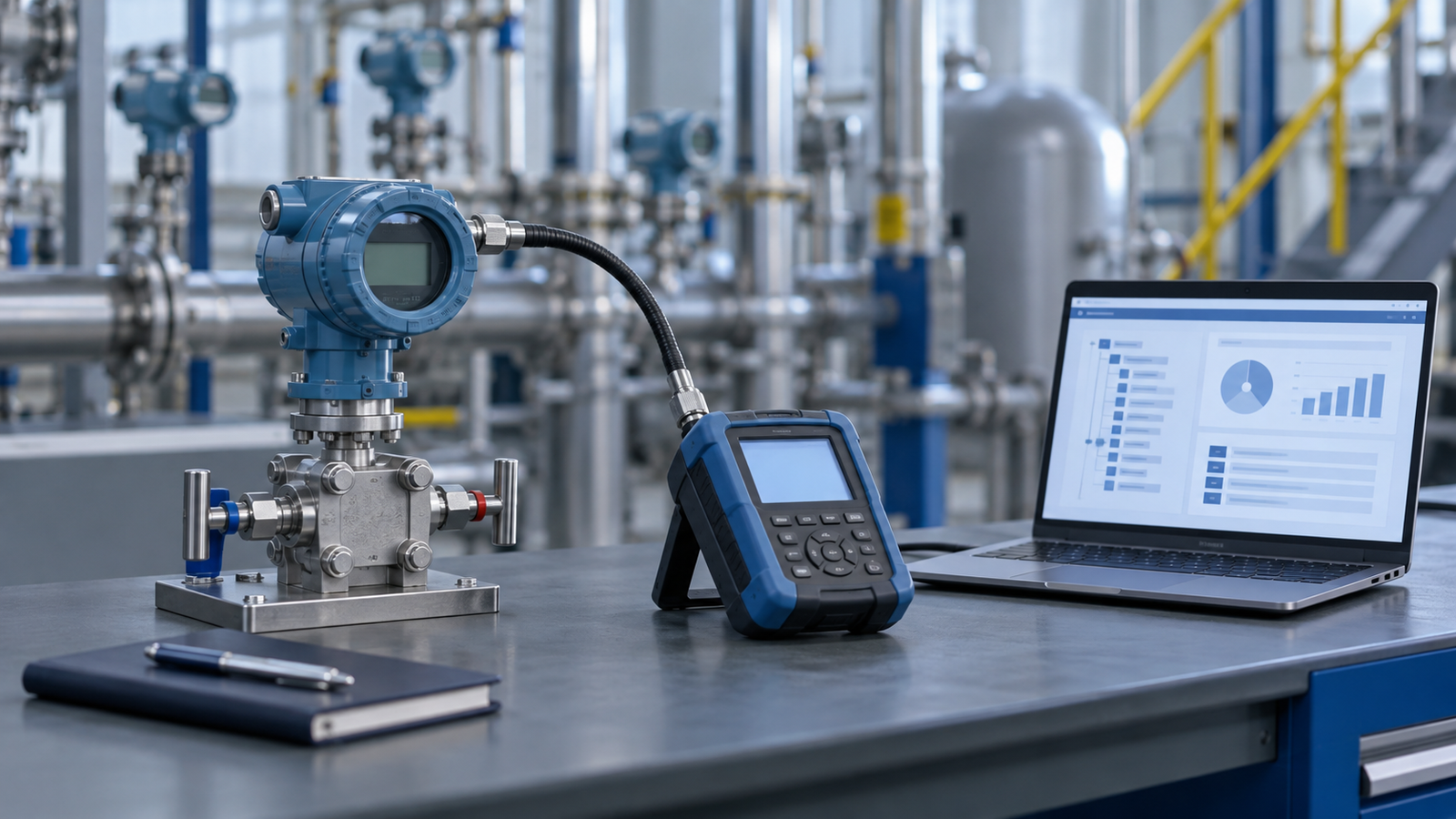
Calibration status belongs to the device. The tag is where that device happens to be. Every standard you’re audited against is written around this:
- ISO 9001 7.1.5.2 asks you to identify measuring equipment so its status can be determined.
- IATF 16949 7.1.5.2.1 asks for records that include the equipment identification.
- ISO/IEC 17025:2017 7.5 asks for technical records sufficient to identify the item and repeat the work.
Check which edition of 17025 your accreditation body assesses against.
What a per-instrument register counts
PrüfDesk counts assets: the physical instruments you calibrate, each with its own due date, as-found/as-left history, certificates and possession trail. The public plans are priced by that count, and every plan includes unlimited users:
| Plan | Assets | Price |
|—|—|—|
| Starter | 250 | €49/month |
| Professional | 1,000 | €129/month |
| Enterprise | Unlimited | €299/month |
To compare costs honestly, you need your device count in scope, not your tag count.
The mapping, level by level
| 4Sight2 level | Becomes in a per-instrument register | Counts as an asset? |
|—|—|—|
| Plant | Site / tenant structure | No |
| Location | Location (area, unit, store) | No |
| Tag | Identifier carried on the record and in its location history | No |
| Device | The instrument record, keyed on serial number | Yes |
| Range | Tolerance points and steps within the device’s procedure | No |
| Reference standard | Its own instrument record, with its own certificates | Yes |
Two rows deserve attention.
Range is not an asset. If your 4Sight2 database holds a dual-range transmitter as two ranges, it is still one instrument with one due date and one serial. In PrüfDesk that becomes one record whose procedure template carries both sets of test points. The template is defined once for the instrument type and overridden for the units that differ. Count ranges as assets and you’ll overbuy.
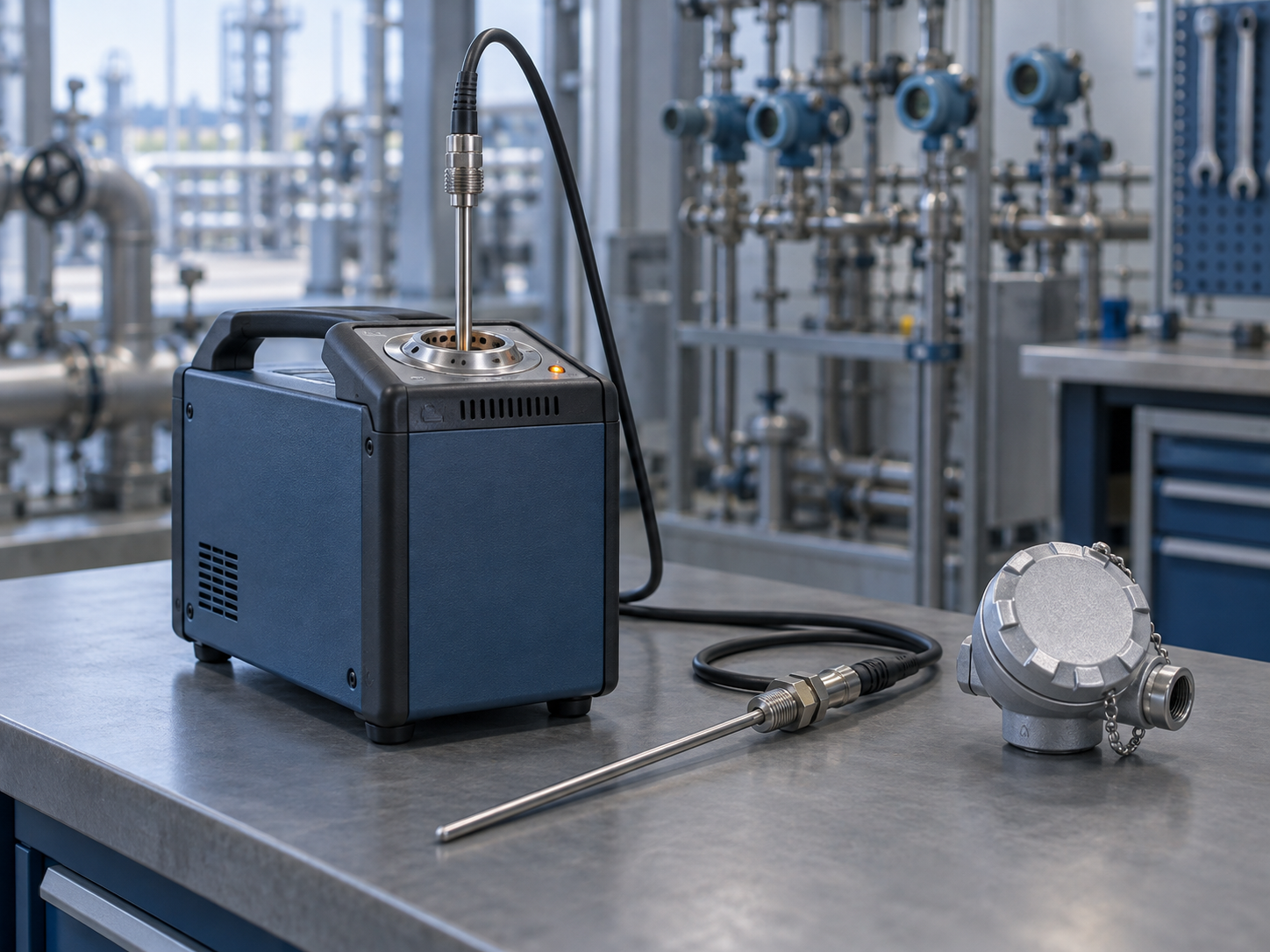
Reference standards are assets. The 4Sight2 tag count may not include the deadweight tester, the reference gauges and the dry-blocks you calibrate with. They need to be in the register, because they are the traceability chain.
A worked example
The figures here are illustrative, not from a real customer. Take a site holding 1,850 tags in 4Sight2. The rough instinct says Enterprise, and that’s probably right, but run the filter anyway:
| Line | Count |
|—|—|
| Tags in database | 1,850 |
| minus tags decommissioned or "no calibration required" | −240 |
| minus tags currently empty (device removed, not replaced) | −35 |
| Devices installed at live tags | 1,575 |
| plus loops with two calibrated devices (sensor + transmitter) | +60 |
| plus calibrated spares in stores (no tag) | +130 |
| plus reference standards and workshop calibrators | +28 |
| Instruments in calibration scope | 1,793 |
That is above 1,000, so Enterprise at €299/month is the plan, with headroom.
Now run the same filter on a smaller site that holds 1,150 tags because the database was built from the P&ID tag list years ago. After removing decommissioned and no-cal tags, it might sit at 900 instruments. That’s Professional at €129/month, not Enterprise.
Neither answer is visible from the tag count. On the 4Sight2 side the same logic applies in reverse. If your tag count is inflated by dead positions, you may be paying for tag blocks that measure nothing. That’s worth knowing before renewal, whatever you decide.
Where history breaks if you map carelessly
This is the part a cost comparison never shows, and it’s where audits are lost.
1. Results keyed to the tag, not the device. When you export from 4Sight2 (System Management > Database exports to .xls, per the user manual), check whether each calibration result carries the device serial or only the tag. If a transmitter was swapped at PT-4102 in 2024, the 2023 as-found belongs to the old serial. Import it against the tag and it lands on the wrong instrument. That’s a 17025 7.5 problem and an ALCOA+ "Accurate" problem. Reconstruct the device-at-tag timeline from your work orders before you import, not after.
2. Lost links to reference standards. 4Sight2 offers a reverse-trace report: which calibrations used a given reference standard. You need exactly that when a reference comes back out of tolerance. ISO 9001 7.1.5.2 then asks you to determine whether earlier results were affected. If the reference ID doesn’t travel with each historical result, you’ve lost the ability to answer that question for every pre-cutover record. Map the reference standard ID as a field on each result, and validate it on a sample.
3. Ranges flattened into one row. If the export puts each range on its own row, import them as test points under one device. Importing them as separate instruments puts two due dates on one physical transmitter, and they will drift apart the first time someone reschedules one.
4. Attachments and audit trail. The manual doesn’t say whether certificates, raw test points or the user audit trail are in the database export. Test it on ten records before you plan around it. Whatever doesn’t come across has to be archived read-only, and ISO/IEC 17025 7.11 expects you to be able to retrieve it with its integrity intact.

The objection: "Our tags are our instruments"
On some sites they nearly are. If you install one device per tag, rarely swap, hold few spares and have kept the database clean, tag count and device count will be within a few percent. Then the mapping takes an afternoon, and the conclusion is simply that your tier choice is obvious.
The exercise is still worth doing for the history alone. In a mature plant, tag and device rarely stay aligned for long: turnarounds, repairs and spares rotation all move devices between tags.
What stays with Druck
PrüfDesk replaces the management and records layer: the register, due dates, as-found/as-left records with certificates, procedure templates, overdue blocking, check-out and possession history, and audit-ready PDF reports. It does not drive Druck documenting calibrators or download their results automatically. If your technicians rely on closed-loop calibration and automatic upload today, that workflow is a real strength of 4Sight2, and you should weigh its loss honestly. Your Druck calibrators remain excellent instruments either way; what changes is where the record lives and how it’s licensed.
Your next step
Export the tag list, filter it with the table above, and you’ll have your instrument count. That is the only number that prices a per-instrument plan correctly. If you’d like a second pair of eyes on the mapping, especially the device-at-tag history and the reference-standard links, talk to us about a migration plan.