Access Write Conflict: When ‘Save Record’ Erases a Result
Two technicians, one Access calibration record, one dialog box. How 'Save Record' can erase an as-found result without a trace, and how to close the gap.
"This record has been changed by another user since you started editing it." Most people running a shared Access calibration database have seen that message. It offers three buttons: Save Record, Copy to Clipboard and Drop Changes. Most people click the first one, because it sounds like the responsible choice. They saved, and nothing looked wrong.
Microsoft’s own help page for the Write Conflict dialog explains what that button does. If you choose Save Record, "you can overwrite the changes the other person made," and "the other person most likely loses their changes." When the database holds calibration results, that sentence means one technician’s measurement has replaced another’s. No record of the replacement is kept.
This article covers why that matters more for calibration than for almost any other shared Access file. It shows what the failure looks like on a real instrument, what you can honestly do about it inside Access, and how to make sure it cannot follow you into the system you migrate to.
Why the database was built this way, and why that was reasonable
Nobody designs a calibration database expecting it to be used by five people at the same time. It usually begins as one quality engineer’s tool on one PC: a table of instruments, a table of calibration events and a form to enter results. Access is very good at that. It was already licensed and IT didn’t have to fund anything. One engineer on the Elsmar forum put it well: "I have been audited a number of times and have never had a question raised." That is a fair point, and for a single user the design is sound.
Then the file moves to a network share. A lab technician gets access, then a second one. The crib attendant needs to see what is overdue, and a department manager wants to look up a gauge. By default Access opens records with no locks, which is called optimistic locking. Anyone can open and edit the same record, and the clash is only detected when the second person saves. At that moment the dialog appears, and the person at the keyboard decides alone which version of the record survives.
A worked example: the torque wrench and the as-found reading
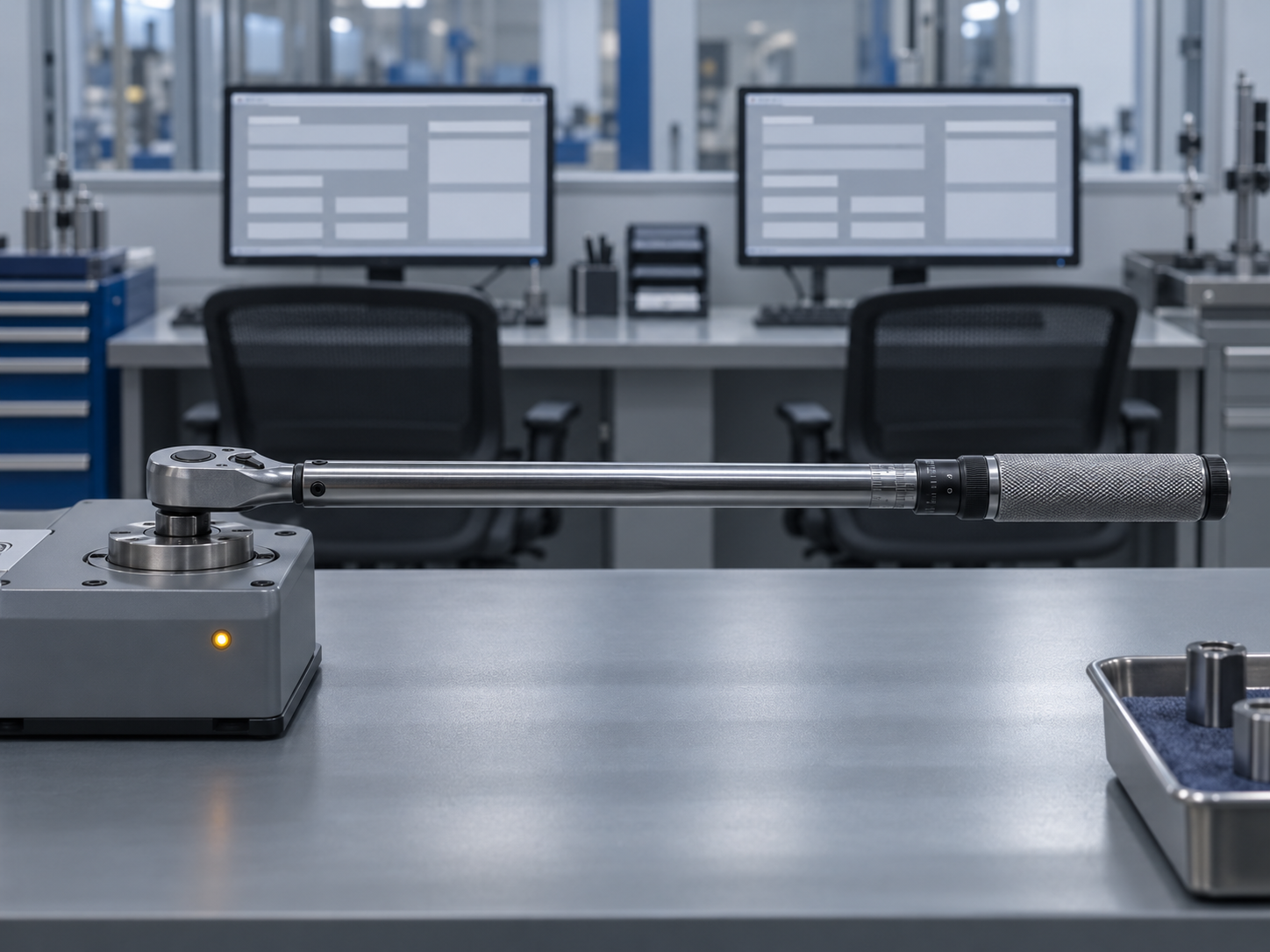
Take a 50 N·m click torque wrench with a ±4 % tolerance, so the acceptance band is 48.0–52.0 N·m.
- At 09:10, Marta opens the wrench’s calibration record and starts entering results. Her as-found reading is 52.9 N·m, which is out of tolerance. She notes it, adjusts the wrench, and records an as-left reading of 50.3 N·m. Before she saves, she is called to the floor.
- At 09:25, Jonas opens the same record from the overdue list. He is booking the wrench back in from the line, so he updates its location and status, and saves. He sees no warning, because his was the first save.
- At 09:40, Marta comes back and clicks save. The Write Conflict dialog appears.
Whichever button she now picks, the result is bad:
- Drop Changes discards her as-found and as-left values. The record now shows the wrench was booked in and nothing more.
- Save Record keeps her values, but depending on how the form and table are built, it can overwrite what Jonas entered. The record’s location and status may now be wrong.
- Copy to Clipboard is the correct choice, but almost nobody uses it, and the clipboard is not a record.
In each case the database gives no indication afterwards that a conflict happened. There is no log entry, and there is no earlier version of the row to compare against.
Why a lost as-found value is a compliance event, not a typo
The as-found reading is the value that triggers action. ISO 9001 clause 7.1.5.2 requires you to determine whether the validity of earlier measurement results has been adversely affected when equipment is found unfit for its intended purpose, and to act where necessary. IATF 16949 clause 7.1.5.2.1 goes further: calibration records must include the as-received readings when equipment is out of specification, and must record an assessment of the risk to product. AS9100 and ISO/IEC 17025 expect the same chain of evidence. ISO/IEC 17025 requires recorded changes to keep the original values, so it remains clear what was altered.
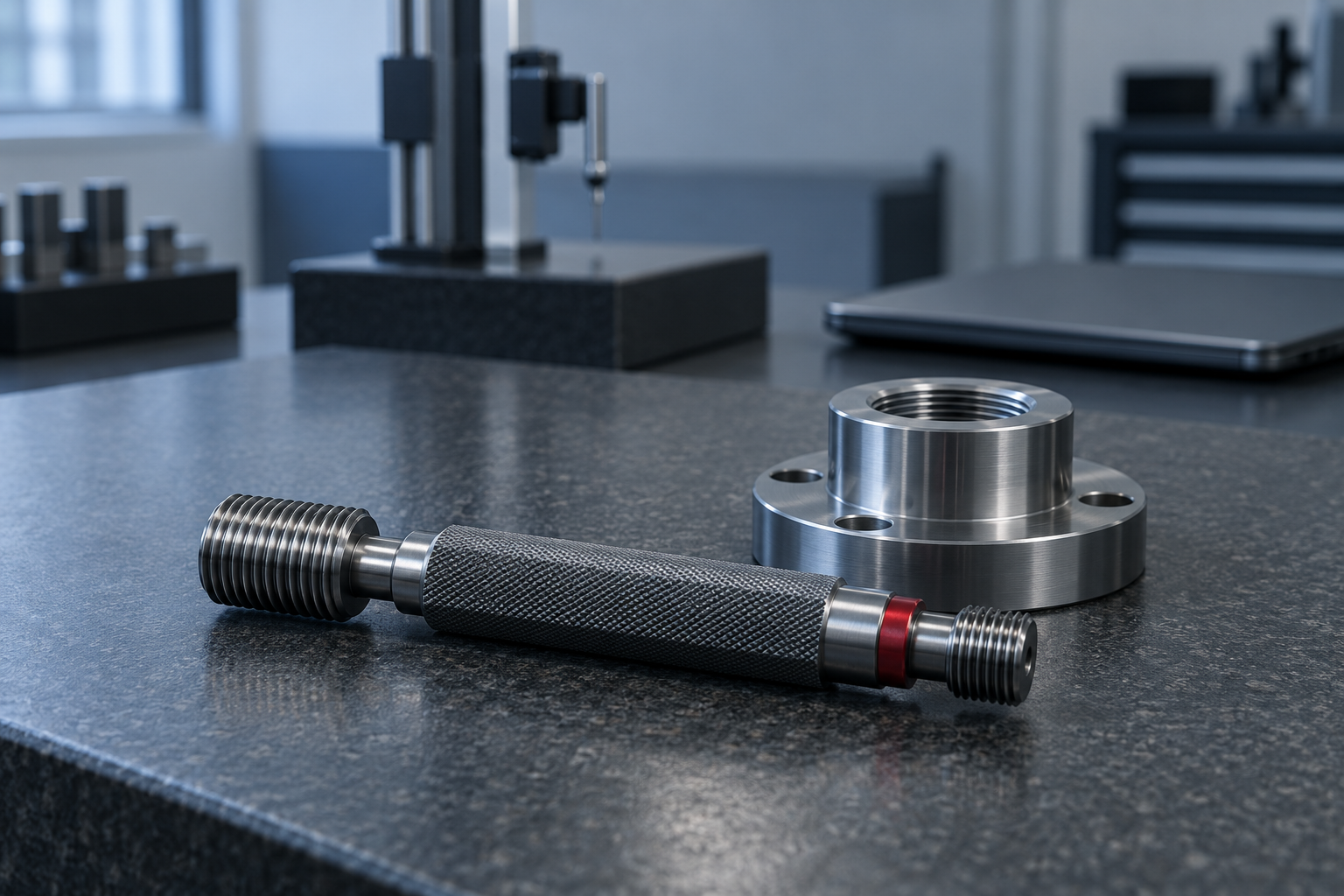
So the cost of losing the 52.9 N·m reading is not one missing number. Without it, nobody looks at the joints that were torqued with that wrench since its last calibration, and nobody reviews whether parts need to be recalled or re-checked. The same applies to a thread plug gauge whose GO end has worn past its limit. If the as-found result disappears and only the as-left value remains, the record says "pass," and the impact review never starts. The audit trail looks clean only because the evidence that would have raised a question is gone.
"We rarely see that dialog"
This is the most common objection, and it is probably true. Collisions need two people on the same record within the same few minutes, and most days that doesn’t happen. Look at when it does, though: an audit week, a recall, or a backlog of overdue gauges coming back at once. Those are the busiest times in the lab, and also the times when the records will be examined most closely.
The second issue is that you cannot measure how often it happens. The dialog isn’t logged, so "we rarely see it" really means "nobody has reported it." Those are not the same claim. The Elsmar thread above describes a related problem: technicians record results in a binder as well as the database, and "we run into problems where the 2 do not match." Some of those mismatches may be ordinary transcription errors. Some may be an overwrite that nobody remembers.
What you can honestly do inside Access
If migration is months away, reduce the exposure now:
- Change the default record locking from No locks to Edited record under Client Settings. The second user then sees the record is locked instead of getting a conflict when saving. Access locks by page, so neighbouring records can be locked too. Expect some complaints about that.
- Split the database so each user has their own front end linked to a shared back end, if this hasn’t been done already.
- Add a change-log table fed by data macros on the results table, so before and after values are written down when they change.
- Write a rule into the procedure: when the Write Conflict dialog appears, use Copy to Clipboard, stop, and tell the quality engineer.
All four help, and you should be clear about their limits. They depend on whoever maintains the VBA and macros. The tables can still be edited by anyone who can open the file. And a log kept in the same file as the data can be edited by the same people.
Making sure the problem doesn’t migrate with you
A migration copies whatever is in the file, including any overwrites. Before you export, treat recent out-of-tolerance history as a reconciliation task, not just a spot check:
Pre-migration checklist
- [ ] Pull every calibration event from the last 12–24 months that has a fail result or an adjustment. Compare each one against the technician’s paper sheet or the external certificate.
- [ ] List records where the as-left value is present but the as-found value is blank. Each one needs an explanation.
- [ ] Decide, and write down, which record is the master: the binder, the database or the certificate.
- [ ] Make Access read-only at cutover. During the parallel run it is used for comparison only, with no new entries.
- [ ] Enter new results in one system only. Double entry recreates the same conflict in a different place.
- [ ] Bring as-found and as-left data across as separate fields mapped to separate fields, never merged into a "result" column.
In PrüfDesk, each calibration is logged as its own event against the instrument. That event records pass/fail, as-found and as-left values and the certificate. Due dates are calculated from the interval rather than typed in, and check-outs, returns and allocations go into a possession history instead of overwriting a location field. In the Marta and Jonas scenario, the booking-in and the calibration are two separate entries, so neither can delete the other. Configurable overdue blocking also stops the wrench from being checked out while it is overdue, whether you set it as a hard block or a soft warning for your tenant.
If you want to test this for yourself, have two people book the same instrument and record a calibration on it at the same time during a trial. Then try the same thing in your current file. Whichever system leaves you able to explain afterwards exactly what happened is the one an auditor will trust.