Access Cascade Delete Can Erase Calibration History
One delete on a retired gauge can take years of calibration records with it. Check your Access relationships before your next audit or migration.
One Delete, Six Years Gone: How Cascade Delete Erases Calibration History in Access
A customer has raised a complaint about thread fit on a lot you shipped in 2023. Your quality engineer, Marta, is working through the containment questions. The one that matters: was the thread plug gauge used to accept that lot in calibration on the day it was used? She searches the Access calibration database for gauge TPG-0417 and gets nothing. There’s no equipment record and no calibration history. Certificates from 2019 through 2025 are still sitting in a folder on the file server, but the database has no memory of the gauge.
Nobody hacked anything. Last spring the gauge failed its NO-GO check, was scrapped, and someone tidied up the equipment list, which was exactly what they’d been asked to do. One setting in the database did the rest.
Why the Access database was built this way, and why that made sense
Most homegrown calibration databases have two core tables: one for the instruments and one for their calibration events. They’re joined on an equipment ID. Whoever built it did the responsible thing and opened the Relationships window. They ticked Enforce Referential Integrity so no calibration row could point at an instrument that didn’t exist. Many also ticked the box beneath it, Cascade Delete Related Records, because it kept the database clean. Remove a duplicate instrument, and its stray rows go too. No orphans, no clutter.
For a typo-duplicate entered yesterday, that’s harmless. For a real instrument with years of results, it’s a disaster. Microsoft’s own documentation is plain about the behaviour: with cascade delete enabled, Access automatically deletes all records that reference the primary key when you delete the record containing that key. Access has no idea that the "many" side of this relationship is your evidence.
What actually happens when someone deletes the instrument
Here’s the TPG-0417 example step by step:
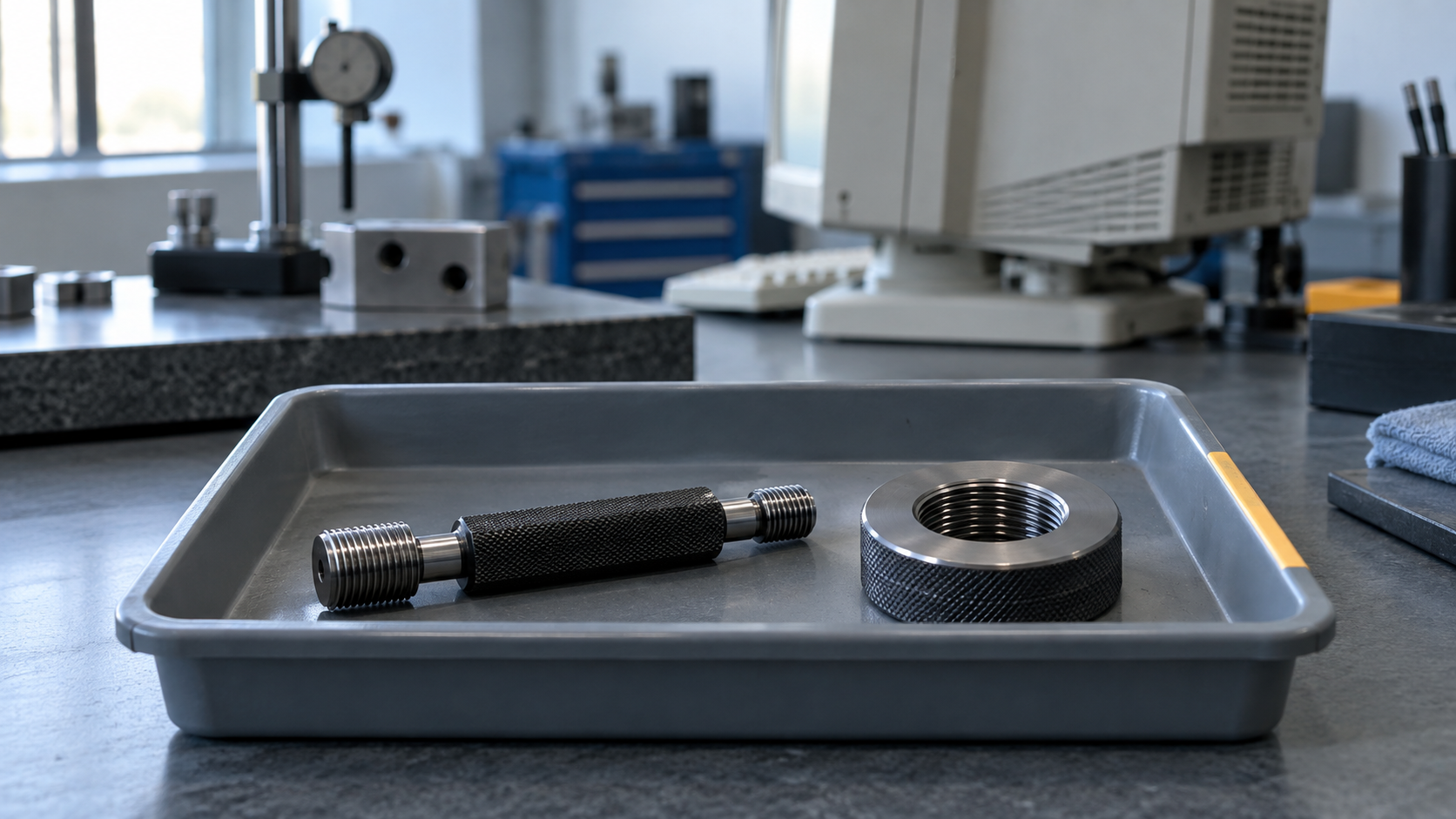
tblEquipmentholds one row for the gauge.tblCalHistoryholds 14 rows: annual calibrations, two interim checks and the final failed check, each with as-found results, the technician’s initials and a certificate reference.- Someone opens the equipment form, selects the scrapped gauge and presses Delete.
If confirmation messages are on, Access warns that cascading relationships are about to delete records "in this table and in related tables". It doesn’t show which related records or how many. Many homegrown front ends switch those messages off with DoCmd.SetWarnings False so users aren’t bothered by prompts. In that case there’s no warning at all.
All 15 rows are gone. There’s no recycle bin and no undo once the form moves on, and the next Compact & Repair reclaims the space. Your only path back is a backup from before the delete, and it has to be one that actually restores. In many small quality departments, nobody has ever tested that.
Why this is a compliance problem, not a housekeeping one
Scrapping a gauge doesn’t end its evidential life. The measurements it made are still in the field, attached to parts that customers are still using.
ISO 9001 clause 7.1.5.1 requires you to retain documented information as evidence that monitoring and measuring resources are fit for purpose. Clause 7.1.5.2 goes further. When equipment is found unfit for its intended purpose, you have to determine whether the validity of previous measurement results has been adversely affected, and take action. TPG-0417’s final failed check triggers exactly that obligation. You can’t evaluate the gauge’s past results if you’ve deleted the record of when it was last good.
IATF 16949 clause 7.1.5.2.1 expects calibration/verification records to include out-of-specification condition, the assessment of risk to intended use, and notification of the customer if suspect product has shipped. AS9100 keeps the same 7.1.5 structure and expects you to be able to recall equipment found out of calibration. Automotive record-retention requirements typically run for the active life of the part plus a year. That can be far longer than the life of the gauge.
The auditor’s question is "show me the calibration status of the gauge that accepted this lot." A folder of orphaned PDFs is only a partial answer. It shows that certificates existed. It doesn’t show the as-found condition, the decision, or who made it, and it can’t show that the record set is complete.
Each measurement taken with an instrument depends on that instrument’s calibration record being there when someone asks for it, often years after the instrument itself is gone.
"We never delete instruments here"
That’s the most common objection, and it’s usually sincere. The quality engineer who owns the database marks instruments inactive. The deletes tend to come from somewhere else:
- Duplicate merges. An instrument was registered twice, and the history was logged against the "wrong" one. Someone deletes the duplicate, and that happens to be the one with the history.
- Pre-audit cleanup. Someone is asked to "get the equipment list tidy" before a surveillance visit, which is exactly the season many sites are heading into now.
- The migration itself. This is the one that catches careful teams. Before export, someone cleans the source data inside Access, removing test records, dead assets and junk. If cascade delete is still enabled on the working copy, the cleanup quietly takes history with it.
The second objection is from whoever built the database: "Without cascade delete, we’d get orphaned records." Not if referential integrity is enforced without cascade. With that setting, Access simply refuses to delete an instrument that still has calibration rows. That refusal is what you want. It turns a silent loss into a visible decision.
How to check your database this afternoon
You don’t need to migrate anything to find out whether you’re exposed:
- Open Database Tools → Relationships. Double-click each join line between an equipment table and any history table: calibration events, check-outs, repairs, locations. Note whether Cascade Delete Related Records is ticked.
- Search the VBA and saved queries for
DELETEstatements andSetWarnings False. Some front ends delete child rows in code even when the relationship doesn’t cascade. - Reconcile certificates against rows. List the certificate files on the server and match them to
tblCalHistory. A certificate with no matching row is a fingerprint of deleted history. - Look at gaps in the AutoNumber IDs of the history table. Gaps don’t prove a delete, because abandoned entries also consume numbers. But a run of missing IDs near a known scrap date is worth a question.
- Restore last month’s backup to a separate folder and count the history rows. Now you know two things: whether the backup works, and whether anything went missing since.
If you find cascade delete enabled, untick it on the live database today, and leave referential integrity on. That single change makes the database safer and costs you nothing.
Pre-migration checklist
- Cascade delete disabled on every relationship touching history, in both the live file and any working copy
- Cleanup done on the exported data, never inside the Access file
- Row counts per instrument recorded before export, for reconciliation afterwards
- Certificate-to-row reconciliation completed, and any recovered history documented with its source
- Scrapped and retired instruments exported with their history, not filtered out
What changes after migration
In PrüfDesk, an instrument isn’t deleted at the end of its life. It’s retired or scrapped. The action needs a reason, and the user has to type the equipment code to confirm, so it can’t be a stray click. The status change is written to the audit log with who did it and when, and the full calibration history, including as-found/as-left results and certificates, stays attached to the instrument. Retired and scrapped equipment is available as its own report, so "what did we take out of service this year, and why?" is a report you print rather than a reconstruction you piece together.
Pricing is based on equipment count, and retired and scrapped instruments don’t count toward the active-equipment limit. That removes the quiet incentive to "clean up" the list by removing things.
From the same day you also get auto-calculated due dates, overdue blocking configured as a hard block or a soft warning for your site, and audit-ready PDF compliance reports. Those matter too, but for this particular risk the point is simpler. The migration is the last time your history is fragile. Export it whole, including the scrapped gauges, and it stops depending on anyone remembering not to press Delete.
If you’re planning that export, start with the five checks above. They’ll tell you what you actually have to move. When you’re ready to see how your history maps into PrüfDesk, we’re happy to walk through it with a sample of your own data.